
AUTHORIZATION
Blog

How to ensure IT compliance during an audit
Auditors usually do not discover a problem that arose on the day of the audit. They uncover gaps that have existed in the IT environment for months: uncontrolled administrator access, unapproved changes, untested backups, or documentation that does not match reality. That is why the question, how to ensure IT compliance during an audit, is not about hastily collected files. It is about demonstrable IT governance in everyday operations.
In a small or medium-sized enterprise, this task often falls to the finance manager, operations manager, or company leader, even though they do not need to be IT specialists. Management’s task is to ensure clear accountability, visibility into risks, and a partner who can turn technical requirements into verifiable processes.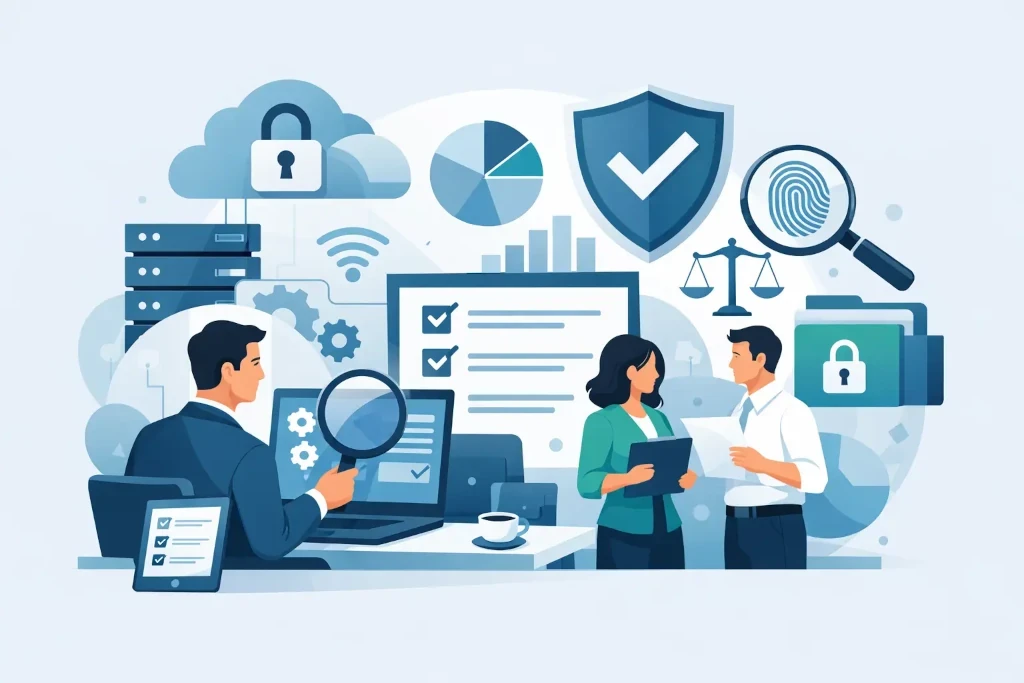
An audit checks not only documents, but control
An IT audit may be related to a customer requirement, an ISO standard, GDPR, NIS2 applicability, insurer conditions, due diligence, or an internal risk assessment. The specific requirements vary, but auditors almost always want answers to three questions: what the company’s IT environment is, who controls it, and how it can be proven that the controls work.
Policy alone is not enough. If the access management policy requires regular review of user rights, the auditor will need evidence of the review performed, decisions made, and corrections applied. If the backup policy requires restore tests, you must be able to show the test results, the responsible person, and the resolution of any issues found.
This is exactly where the essential difference between formal compliance and a managed environment appears. Formal compliance looks good in a folder. A managed environment can withstand scrutiny even when the auditor chooses a random employee, system, or period of time.
How to ensure IT compliance during an audit without rushed decisions
The safest path is to start with the audit scope. Before evidence is collected, it must be understood which systems, locations, user groups, data types, and suppliers are included in the audit. For example, the financial system may be in the cloud, customer data on another platform, and file sharing on a local server. If these boundaries are unclear, the team will either prepare too little or spend time on information that is not needed for the audit.
Assign one person to coordinate
During the audit, a single point of contact is needed to manage the list of requests, deadlines, responses, and evidence versions. This does not mean that this person must answer all technical questions. They ensure that the auditor does not receive conflicting answers and that sensitive information is not shared more broadly than necessary.
In a well-organized process, the IT partner prepares the technical evidence, system owners confirm the business processes, and management makes decisions about risk acceptance, budget, and priorities. This division is especially important for companies without a full internal IT department.
Build an evidence set, not a pile of documents
It is easier for an auditor to assess organized, traceable material than hundreds of unrelated screenshots. Each control point should be linked to a specific piece of evidence, the responsible person, and the date. Screenshots are useful, but they are rarely sufficient as the only proof because they show only one moment in time.
Typically, the following evidence categories are useful:
- an up-to-date list of IT assets, systems, and data processors;
- reviews of user access, administrator accounts, and multifactor authentication;
- backup execution logs, restore tests, and incident logs;
- change requests, approvals, and implementation evidence;
- security policies, risk assessments, and minutes of regular reviews.
Context matters. A backup status of “successful” does not prove that the company can restore a critical system within an acceptable time. By contrast, a regular restore test with a recorded result, identified errors, and a remediation plan provides much more convincing evidence.
Check access and changes before the auditor chooses to examine them
Access management is one of the most common audit risk points. Special attention should be paid to former employee accounts, shared administrator users, vendors’ remote access, and accounts without multifactor authentication. It is not always economically justified to implement a complex identity management platform, but there must be a process that regularly checks who needs access and who approved it.
A similar principle applies to infrastructure changes. A quick change may be justified if a security incident or operational disruption must be fixed. However, even an urgent change must later be documented: what was changed, why, what the risk was, and who approved the follow-up action. An audit evaluates not only whether the error was fixed, but also whether the company can manage the consequences.
Turn the IT environment into a verifiable control system
Compliance becomes significantly easier when IT governance is based on a regular rhythm. A monthly review of backups, patches, security alerts, and open risks creates a historical evidence set. A quarterly access review allows excess privileges to be spotted in time. At least once a year, incident response and business continuity plans should be reviewed, especially after major changes in the company’s systems or structure.
Controls must be proportionate to the company’s size and risk. For a manufacturing company with continuous operations, recovery time and a backup internet connection may be critically important. For a professional services company, the main risk may be customer data confidentiality and the protection of email accounts. The goal is not the same control for everyone - the goal is to reduce the most significant risk in a justified way.
Using cloud services does not remove responsibility. The service provider may take care of the physical security and availability of its platform, but the company still has to manage user access, data-sharing settings, information classification, and data recovery procedures. It is precisely the boundaries of shared responsibility that the auditor must be able to understand clearly.
Maintain control of the process on audit day
Audit interviews should be organized with the relevant specialists, rather than leaving the auditor to find information on their own within the organization. Before answering, it is worth clarifying the scope of the question and the requested period. This reduces the risk that an employee, in good faith, provides incomplete or misleading information.
Do not hide deficiencies. If a control has not worked, the professional approach is to describe the facts, the impact, compensating measures, and the remediation deadline. Auditors are usually more concerned about an unresolved risk with no owner than a clearly identified problem with a real action plan.
Information security during the audit itself must also be observed. System configurations, vulnerability reports, customer data, and administrator logs may be sensitive. Evidence should be shared in a controlled environment, access should be restricted, and, if necessary, data that is not essential to the purpose of the review should be redacted. Full transparency does not mean uncontrolled disclosure of data.
After the audit, make fixes that reduce business risk
The audit report is not just a compliance assessment. It is a priority list for management. For each finding, the risk level, responsible person, budget, deadline, and the method by which the correction will be verified should be defined. Some issues can be resolved quickly, for example by disabling obsolete accounts. Others require architectural changes, a new backup solution, or external expertise.
In KSK IT’s practice, audit readiness is viewed as part of continuous infrastructure management: documentation, backups, access, security monitoring, and recovery capability cannot be separate projects that are activated only before an inspection.
The most valuable audit result is not a report with no comments. It is management’s confidence that the company knows its IT risks, can justify the decisions made, and can continue operating even if an incident occurs. If that confidence is based on regularly tested controls, the next audit will no longer be an emergency.
