
AUTHORIZATION
Blog
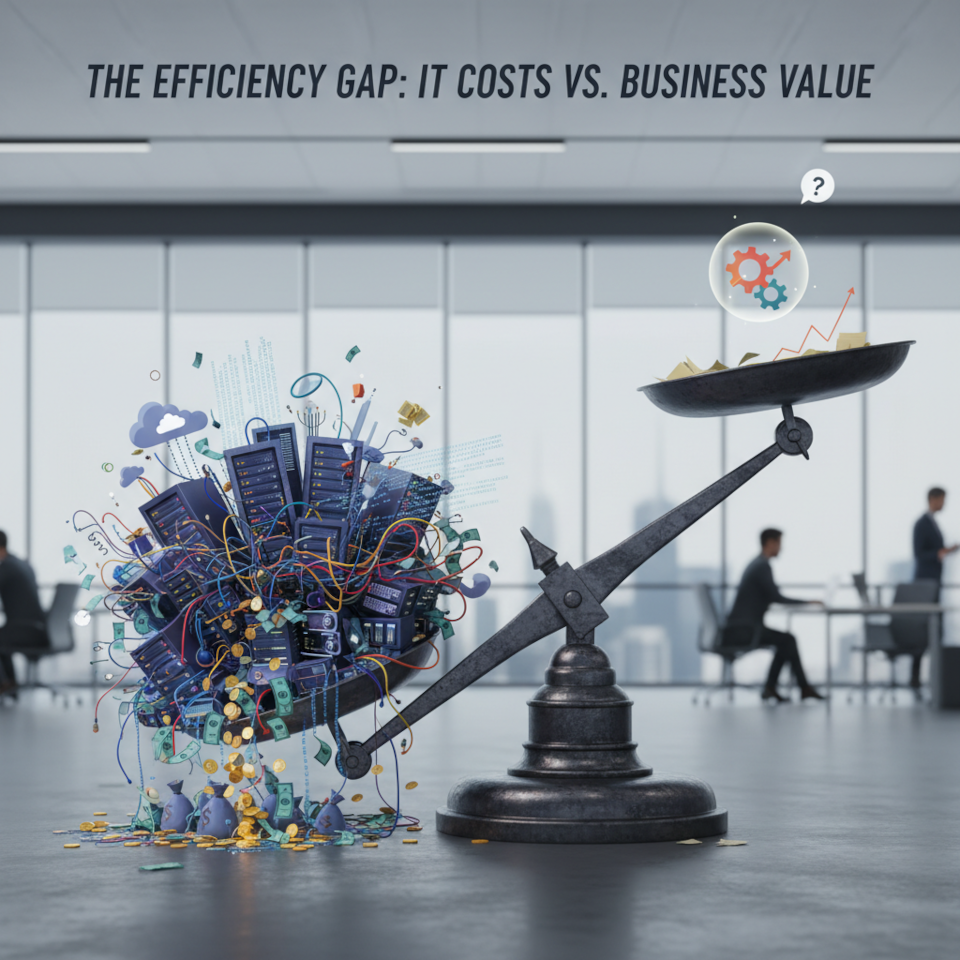
How small and medium-sized businesses can manage their IT budget without unnecessary expenses
Introduction
Many companies in Latvia and beyond face the same challenge: IT costs keep rising, but efficiency doesn’t always follow.
Hardware purchases, software licenses, user support, security, cloud services — all of these require continuous investment.
So how can you make IT work for your business instead of becoming an endless line of expenses?
1. Break down your IT budget into clear categories
The first step is to understand where the money goes.
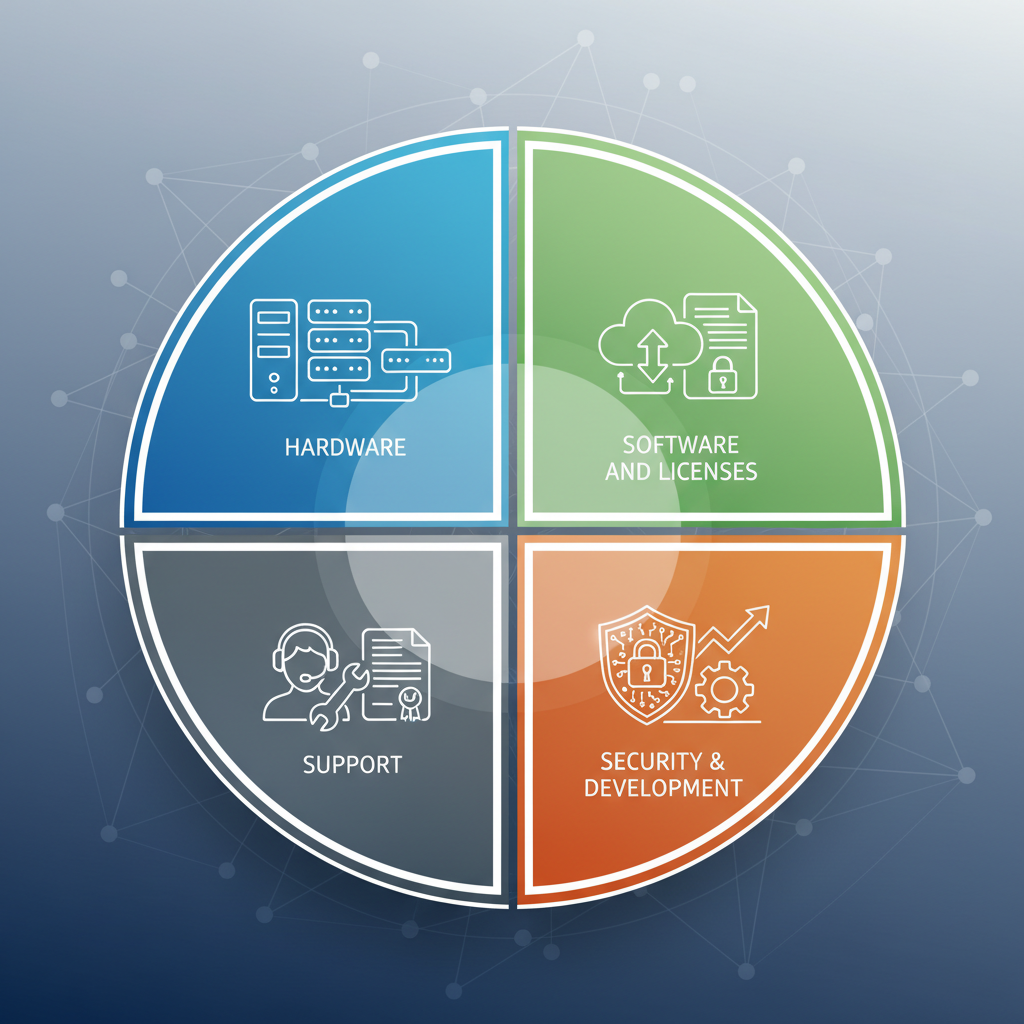
Most IT expenses can be grouped into four main categories:
-
Hardware (computers, servers, networking equipment, printers)
-
Software and licenses (Windows, Microsoft 365, antivirus, business applications)
-
User and infrastructure support (salaries of IT staff or service contracts)
-
Security and development (backups, cybersecurity, new projects)
???? Tip: If you don’t have a structured cost breakdown, start with a simple Excel sheet.
After just a month, you’ll gain a much clearer picture of your IT spending.
2. Eliminate “invisible” expenses
Many companies overpay without realizing it:
-
Unused software licenses
-
Outdated hardware that’s expensive to maintain
-
Subscriptions kept “just in case”
Example: In one client company, we discovered 17 unused Microsoft 365 licenses.
After disabling them, the business saved over €2,000 per year.
3. Consider outsourcing instead of an in-house IT department
For companies with up to 200 employees, maintaining a full in-house IT team is often more expensive than outsourcing.
Advantages of working with an external partner:
-
No salary or tax overhead
-
Fixed, predictable monthly fee
-
Access to experts with different specializations (networking, DevOps, system administration)
If you have only one IT person, they can get sick or go on vacation.
With an IT partner, SLA guarantees 24/7 support and business continuity.
4. Plan upgrades in advance
A common mistake is delaying equipment replacements “until it breaks.”
When it finally happens, downtime and urgent replacements cost much more.
A better approach is scheduled upgrades:
-
Workstations every 4–5 years
-
Servers every 5–6 years
-
Licenses according to vendor support timelines
This keeps your systems stable and avoids unpleasant surprises.
5. Use cloud services wisely
Moving everything to the cloud isn’t always the most cost-effective option.
For some tasks — email, document management, backup — the cloud can save money.
For others, local servers may be cheaper and faster.
???? Tip: Compare the total cost of ownership (TCO) over 3–5 years.
Often, a hybrid approach (partly on-premises, partly in the cloud) is the most efficient solution.
6. Never cut corners on security
One serious incident — such as a ransomware attack — can cost more than your entire annual IT budget.
A minimal security baseline should include:
-
Antivirus and EDR protection
-
Regular backups and recovery testing
-
Two-factor authentication
-
Ongoing patching and updates
Security investments always pay off.
Conclusion
Optimizing your IT budget isn’t about cutting costs at all costs — it’s about spending smarter.
Companies that approach IT strategically turn technology into a competitive advantage, not just another expense.
At KSK IT, we help businesses build transparent and predictable IT budgets — from asset inventory to solution implementation.
If you want to understand where to save and where to invest, get in touch with us — we’ll guide you through the process.
