
AUTHORIZATION
Blog

Data backup for the company without risk
At the moment when a company opens a corrupted file server, a non-functioning accounting system, or an empty shared folder, the question is no longer whether backups were necessary. The question is much more unpleasant - whether the data backups were created properly, tested, and tailored to real operational risks.
For small and medium-sized enterprises, data loss is rarely just an IT problem. It halts sales, delays customer service, creates contract risk, and often reveals that critical processes rely on a single server, a single Microsoft 365 environment, or a single employee's computer. That is why backup policy should be considered a business continuity issue, not a technical formality.
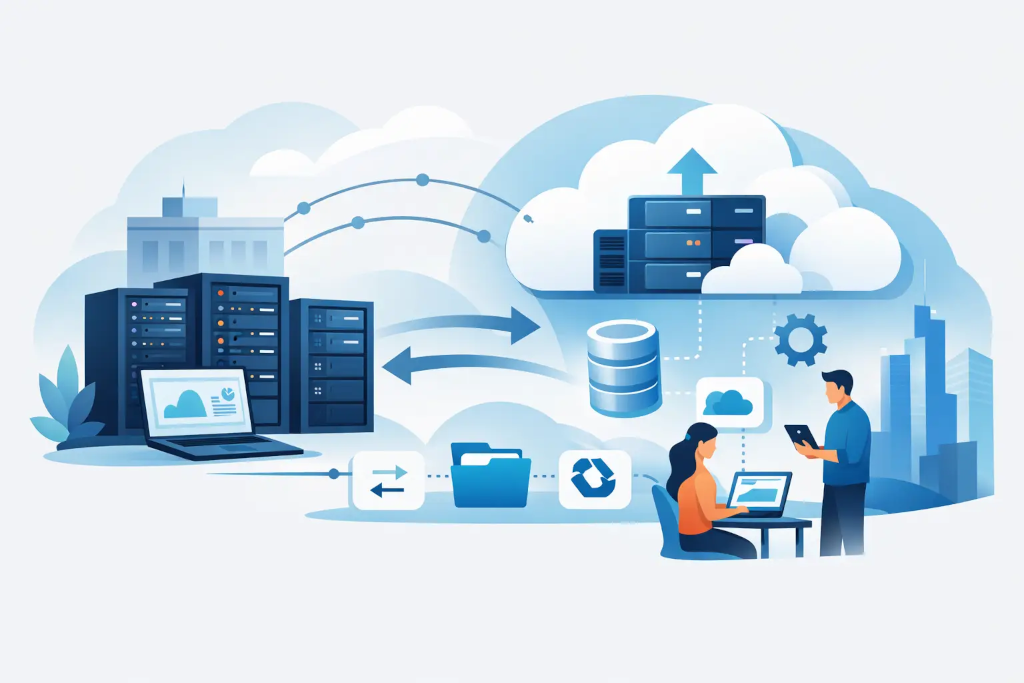
Why data backups often fail the company
On paper, everything looks acceptable for many companies. There is an external hard drive, there is a NAS device, sometimes even cloud storage. However, problems arise where there is no management. A backup that is not automatic is not safe. A backup that nobody regularly checks is not reliable. And a backup that is stored in the same building or network as the primary data does not protect against a portion of the most significant incidents.
In practice, companies often face three mistakes. First - files are backed up, but system, configuration, and application data are not. Second - backups exist, but restoration takes too long. Third - it is unclear who is responsible for the process and how to act in case of an incident. As a result, backups exist, but they do not provide what management actually expects - a quick restoration of operations with a controllable impact on the business.
What needs to be protected
A backup strategy starts not with storage, but with priorities. Not all data is equally critical, and not all should have the same recovery time applied. For a manufacturing company, the most critical might be the ERP and documentation, for a professional services provider - email, client files, and file sharing, while in retail, cash systems and supply data will be of special importance.
This is where an important management-level question arises - what loss is unacceptable for the company. Can a whole working day be lost? One hour? Five minutes? The answer affects both the technical solution and costs. If the business requires a very short recovery window, cheap periodic file copying will not be enough.
Usually, at least the servers, virtual environments, workstation critical data, Microsoft 365 or other SaaS platforms, databases, network configurations, and access control information should be assessed. In some companies, settings of specialized equipment are equally important, without which systems cannot be rapidly triggered after an incident.
Data backups for the company are not the same as archiving
These two things are often confused, and this creates false expectations. Backups are designed for quick restoration after an incident - deletion error, ransomware attack, server failure, or incorrect changes. Archiving, on the other hand, is intended for long-term storage, audit, compliance, or preservation of historical records.
If a company tries to solve both tasks with one solution, one of them usually suffers. Either restoration becomes too slow, or long-term storage is too expensive. The proper approach separates operational backups from the archive while determining how long each type of data should be kept.
How to evaluate a suitable backup model
The company's management does not need to delve into all technical nuances, but it is worth understanding the fundamentals. An effective model is based on three questions: how much data can be lost, how quickly systems need to be restored, and what happens if an incident affects not just one server, but the entire office or cloud environment.
Therefore, the 3-2-1 approach is often used - multiple data copies, different media, and at least one copy off-site. This is not a buzzword but practical protection against various risks. If everything is stored on one platform, one failure or one compromised administrative account can result in a much larger loss than initially seems.
However, there are nuances here as well. The cloud itself does not guarantee full protection. Many SaaS platforms ensure service availability, but not necessarily the restoration flexibility needed by the client. Meanwhile, local copies provide speed but do not protect against fire, theft, or large-scale cybersecurity incidents. Thus, the safest approach is typically a combined one.
Recovery time is more important than the fact of the backup itself
From a business perspective, the main metric is not how often backups are made. The main thing is how quickly the company can get back to work. If file recovery takes two days, but customer service stops after one hour, the problem is not solved.
Therefore, a backup solution should always be evaluated together with recovery scenarios. It is one thing to recover a single accidentally deleted file. Another - to restore an entire server with applications, access rights, and current data. Yet another - to operate in an alternative environment if the primary infrastructure is unavailable.
Regular testing processes come in handy here. Not just a notification that the backup was successfully created, but a real test - whether the system can indeed be restored in an acceptable time. Companies that skip this step typically uncover risks at the most inopportune moments.
What to include in the backup policy
A well-managed approach is not a lengthy bureaucratic instruction. It should be practical and executable. The policy should define which data is backed up, how often it occurs, where the copies are stored, how long they are kept, and who is responsible for monitoring.
Equally important is defining exceptions. If a certain system is not backed up, it should be an intentional business decision, not a coincidence. This helps management understand the real level of risk and avoid the assumption that everything is equally protected.
An escalation procedure should also be provided. If a backup is not created, if storage fills up, or if a recovery test fails, such situations should not remain solely at the technical level. Critical systems should also be known by the responsible business managers.
Common scenarios where backups make a difference
It is not always about a dramatic cyberattack. Very often, incidents start with everyday mistakes - an employee overwrites a file, an administrator incorrectly implements changes, a software update corrupts the database, or a synchronization tool deletes content on multiple devices simultaneously.
Of course, more serious risks must also be considered. Ransomware attacks are still a real threat, especially for organizations without strict access control and segmentation. However, hardware failures, power outages, fires, and human factor errors also produce very similar consequences - operations stop while a way to restore critical systems is sought.
At such times, the difference between minimally acceptable and well-designed backup solutions becomes very visible. In one case, a company loses a few hours. In another - several days, customer trust, and part of its revenue.
When is a basic solution enough and when is a managed approach needed
Not every company needs a complex disaster recovery architecture. If there are few systems, processes are simple, and acceptable downtime is relatively long, a clearly configured and monitored basic model is sufficient. However, even then, central control, regular checks, and accountability are necessary.
On the other hand, if the company works with customer data, relies on continuous availability, or uses multiple platforms simultaneously, improvisation is not enough. A managed approach with monitoring, testing, documentation, and clearly defined recovery objectives is needed. In precisely such situations, an external IT partner can provide not only technical execution but also management-level clarity regarding risks, costs, and priorities.
KSK IT typically gets involved here not as a separate tool provider but as a partner that aligns the backup solution with the company's infrastructure, operational criticality, and continuity requirements.
How to make the right decision at the management level
If the backup issue in a company is viewed solely through the lens of price, the result is often a misleading savings. A cheaper solution may be adequate if the consequences of loss are low. But it becomes costly if recovery drags out or turns out to be incomplete.
It is more appropriate to look at the overall risk. How much does one day of downtime cost? What are the contractual obligations to customers? Can the company prove control during an audit or incident investigation? And does the management really know what will happen in the first two hours after data loss?
A good backup solution is not one that simply stores copies. A good solution is one that provides the company with predictable recovery, clear accountability, and less operational stress at the moment when an error or incident has already occurred.
If there is currently no complete confidence that your company can restore critical data within a specified time, then the backup issue is not yet sorted. And it is worth addressing this before the next failure, not during it.
