AUTHORIZATION
Blog
Cybersecurity for Business: the minimum that every owner should know
Cybersecurity for businesses has long ceased to be a task solely for the IT department: it is a strategic issue that directly affects the company's reputation, customer trust, and financial stability.
If you are a business owner or a CEO, you do not need to understand the technical details at the level of a system administrator. But you must understand the key threats, know the minimum set of protective measures, and be able to ask the right questions to your IT team or contractor.
In this article, we will cover the most important topics: which attacks truly threaten your company, how to protect your business from cyberattacks — where to start, and which measures yield maximum results with minimal costs.
Why cyberattacks on small businesses have become the norm, not the exception
Many entrepreneurs sincerely believe: "We are too small to be a target." This is a dangerous misconception. Large corporations invest millions in protection — breaking into them is difficult. Small and medium businesses are comparably less protected, yet customer data, account details, and trade secrets are no less valuable.
Real threat statistics
The situation looks as follows:
- 60% of small companies close within 6 months after a serious cybersecurity incident.
- The average damage from one attack on a small business ranges from 25,000 to 200,000 euros, taking into account downtime, fines, and recovery costs.
- Automated bots continuously scan the internet for vulnerabilities — the size of the company does not matter to them.
Who is responsible?
Information security is the responsibility of the company's leaders. EU regulators (GDPR) and most industry standards explicitly state: the business owner bears personal responsibility for customer data breaches. Fines can reach up to 4% of the annual turnover of the company.
Question and answer
Why do hackers target small businesses?
Because there are lower barriers to protection. Automated attacks do not select targets manually — they seek any vulnerability. A small company with outdated software or weak passwords is an easy prey.
Main threats: phishing, ransomware, and corporate email hacking
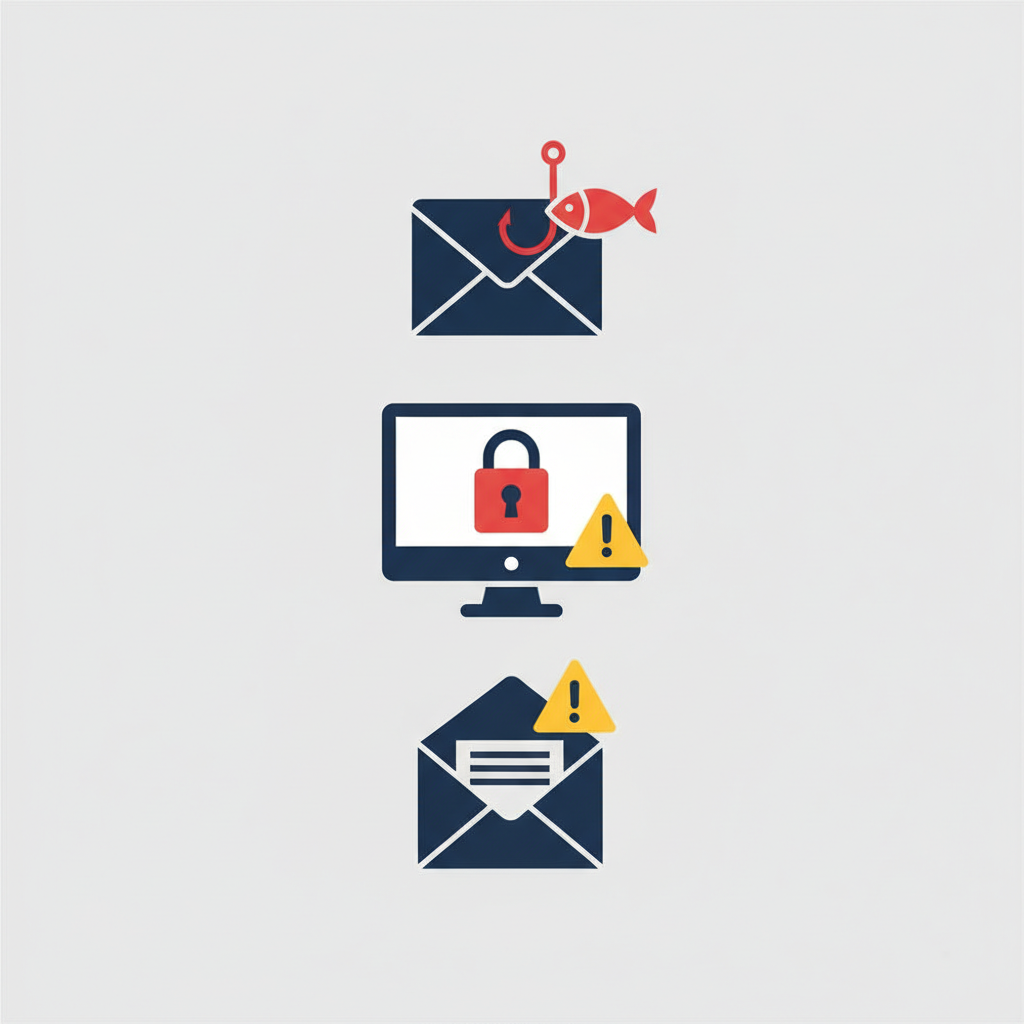
Before building protection, you need to understand exactly what you are protecting against. Three types of attacks consistently occupy the top lines of loss statistics for businesses.
Phishing: an attack through trust
Phishing attacks on businesses are the most common vector of penetration. An employee receives a letter that looks indistinguishable from a message from a bank, partner, or tax authority. One click — and the malware gains access to the corporate network. According to Verizon, over 80% of hacks begin with phishing.
Modern social engineering uses personalized attacks (spear phishing): attackers study your company, LinkedIn profiles of employees, and imitate correspondence with real contractors.
Ransomware: ransom software
Ransomware protection is one of any company's priorities. The virus encrypts all files on devices and servers, after which a ransom demand comes — usually in cryptocurrency. Even if you pay, the data is not fully restored, and the business reputation is already undermined.
Data backup according to the 3-2-1 rule (three copies, two different media, one offsite) is the only reliable protection against ransomware without paying a ransom.
BEC: corporate email hacking
Business Email Compromise — the hacking of corporate email to intercept financial transactions. The attacker gains access to the email of the manager or accountant and sends a letter with modified payment details. The damage from a single transaction can amount to hundreds of thousands of euros. Among all types of cyber fraud, BEC generates the highest revenue for criminals.
Minimum business protection from hacking: where to start right now
The good news: 80% of successful attacks can be prevented with basic measures. Here’s what a business owner should know about security and implement first.
Two-factor authentication and password policies
Two-factor authentication (2FA) is mandatory for all corporate services: email, CRM, accounting systems, cloud storage. It is free and blocks most automated attacks. The company's password policy should include:
- Minimum length — 12 characters, including numbers, letters, and special characters.
- Prohibition of using the same password for multiple services.
- Storing passwords only in a corporate password manager (Bitwarden, 1Password for Business).
- Mandatory password changes upon employee termination.
Antivirus for business and VPN for employees
Antivirus for business is not Windows Defender. Corporate solutions (ESET, Sophos, McAfee) provide centralized management, real-time threat monitoring, and protection against new attack vectors. Basic solutions for small businesses cost from 20–40 euros per year per device.
A VPN for employees is critically important when working remotely and using public Wi-Fi networks. A corporate VPN encrypts traffic and prevents data interception when connecting from cafes, airports, or coworking spaces.
Data backup and network segmentation
Data backup must be automatic and regular. Test recovery: 30% of backups turn out to be non-functional at the time of a real incident. Network segmentation limits the spread of malware within the company — even if one computer is infected, the attack will not spread to the entire infrastructure.
Employee security training: the human factor matters
Research shows that 95% of cyber incidents occur due to personnel errors. Technical protection measures are powerless if an employee opens a malicious file or enters a password on a fake website.
What every employee should know
The minimum security training program for employees includes:
- Recognizing phishing emails: checking sender addresses, links, discrepancies in formatting.
- Safe use of corporate devices and personal gadgets for work purposes.
- Action plan in case of a suspected incident — who to contact, what not to do.
- Rules for handling confidential customer and partner data.
How to organize training
One 2-hour training session a year plus quarterly reminders is enough. An effective tool is simulated phishing attacks: special services send training phishing emails to employees and show who fell for them. This is much cheaper than a real incident.
Question and answer
Where to start cybersecurity in a company if the budget is tight?
Start with three free or low-cost measures: enable two-factor authentication on all corporate accounts, conduct basic employee training on phishing, and set up automatic backups to the cloud. These three steps cover most attack vectors without significant investment.
IT security audit: how to understand the current level of protection of the company
A cybersecurity audit of a business is not a one-time check, but a regular process. Without it, you do not know exactly where vulnerabilities are and how effective the measures already taken are.
What is checked during the audit
- Inventory of devices and software — what is connected to the network and whether the software is up to date.
- Access rights analysis — which employees have access to which data and systems.
- Checking the configurations of network equipment and firewalls.
- Testing backup — actual data recovery.
- Assessment of employee awareness through testing.
Audit frequency
For small and medium businesses, a full audit once a year with interim checks during significant changes is sufficient: changing IT contractors, moving offices, scaling teams, connecting new systems.
Internal audit vs. external
Internal audits by in-house IT specialists provide a limited picture: the employee is used to the infrastructure and does not see "blind spots." An external IT security audit for small businesses by an independent company provides an impartial view and typically identifies critical vulnerabilities that have gone unnoticed for years.
IT security outsourcing: when it is more advantageous than an in-house specialist
IT security outsourcing is the optimal solution for companies with 50–100 employees. Employing an in-house information security specialist costs from 50,000 euros a year, including salary, taxes, and training. Moreover, one person physically cannot provide 24/7 protection.
What is included in IT support for the company
Comprehensive IT support from a specialized provider typically includes:
- Real-time infrastructure monitoring.
- Management of updates and security patches.
- Incident response — eliminating threats before damage occurs.
- Regular reports for management in comprehensible language — without technical jargon.
- Consultation on information security when making strategic decisions.
What to pay attention to when choosing a contractor
Check the experience of working with companies in your industry, SLA conditions (response time to incidents), and the process for transferring data upon contract termination. The latter is especially important: ensure that all infrastructure and passwords remain with you.
Question and answer
How to protect a business from hackers without a large budget?
Outsourcing IT security is one of the most cost-effective ways. A fixed monthly fee to the provider is usually 3-5 times cheaper than maintaining an in-house specialist, while you get a team with diverse competencies and availability 24/7.
Checklist: basic cybersecurity in one working day
Use this list as a starting point. If at least half of the items are not completed, your company is vulnerable right now.
Basic level — to do immediately
- Enable two-factor authentication on corporate email and key services.
- Check that all devices have up-to-date OS and browser updates.
- Set up automatic data backups (at least to the cloud).
- Ensure that former employees have been removed from all corporate systems.
- Install corporate antivirus on all work computers.
Next level — within a month
- Provide employee training on phishing recognition.
- Implement a corporate password manager.
- Set up a VPN for employees working remotely.
- Order an external cybersecurity audit of the business.
Conclusion: the company's data security is an investment, not an expense
Cybersecurity for entrepreneurs is not about technology; it’s about risk management. The question is not "will we be hacked?" but "when and how prepared will we be?" Companies that build protections in advance spend significantly less than those who deal with the aftermath of an attack.
The minimum set of measures — two-factor authentication, regular backups, trained personnel, and reliable antivirus — covers most real threats. The rest is a matter of priorities and budget.
If you want to get a clear understanding of your company’s current level of protection, KSK IT specialists will conduct a professional IT security audit and develop a strengthening plan considering your budget and business specifics.
Contact KSK IT for information security consultation — we work with companies in Latvia and throughout Europe.
FAQ: frequently asked questions about cybersecurity for businesses
- What is information security for small businesses and why is it important?
Information security for small businesses is a set of measures to protect corporate data, systems, and networks from unauthorized access, leakage, or destruction. It is important because customer data leaks lead to fines under GDPR, loss of reputation, and lawsuits. Small companies are particularly vulnerable: they have fewer resources for protection, yet they store data just as much.
- How does social engineering work and how can it be defended against?
Social engineering is manipulation of people, not hacking technical systems. The attacker impersonates a colleague, manager, partner, or technical support and convinces the employee to provide data or perform an action. Protection includes regular employee training and strict verification procedures for requests: any request to provide passwords or payment details should be confirmed through an independent channel (a call to a known number, rather than a reply email).
- Is ransomware protection needed if we have cloud storage?
Cloud storage does not automatically provide protection against ransomware. Most services (Google Drive, OneDrive) sync changes in real-time — including encrypted files. Proper ransomware protection requires isolated backups according to the 3-2-1 rule with versioning, which cannot be changed or deleted remotely.
- What is included in a cybersecurity audit and how much does it cost?
A cybersecurity audit for a business includes infrastructure analysis, configuration checks, penetration testing, and assessment of employee awareness levels. Following this, a report is generated with prioritized recommendations. Costs for small businesses start from 500–1500 euros depending on the size of the company and the depth of the check. This is incomparably cheaper than dealing with the aftermath of a real hack.
- How to choose a reliable IT outsourcing provider for cybersecurity?
When choosing an outsourced IT security provider, check: experience in your industry, actual case studies and client reviews, SLA conditions (how quickly they respond to incidents), pricing transparency, and termination conditions. Request a trial audit or meeting with the team — a reliable partner is not afraid of questions.
