
AUTHORIZATION
Blog

What is included in a managed IT subscription?
At the moment when email stops working in a company, file storage becomes unavailable, or employees cannot connect to business systems, the question is no longer whether IT must be maintained professionally. The question is much more specific - what is included in a managed IT subscription and whether it is enough for the company to operate without downtime, security risks, and unplanned costs.
For small and medium-sized businesses, a managed IT subscription is usually more than just a help desk for problems. A quality service combines day-to-day user support, system monitoring, security management, backup oversight, and clear responsibility for the stability of the IT environment. It is precisely this part of responsibility that most often distinguishes a subscription from calling in individual specialists as needed.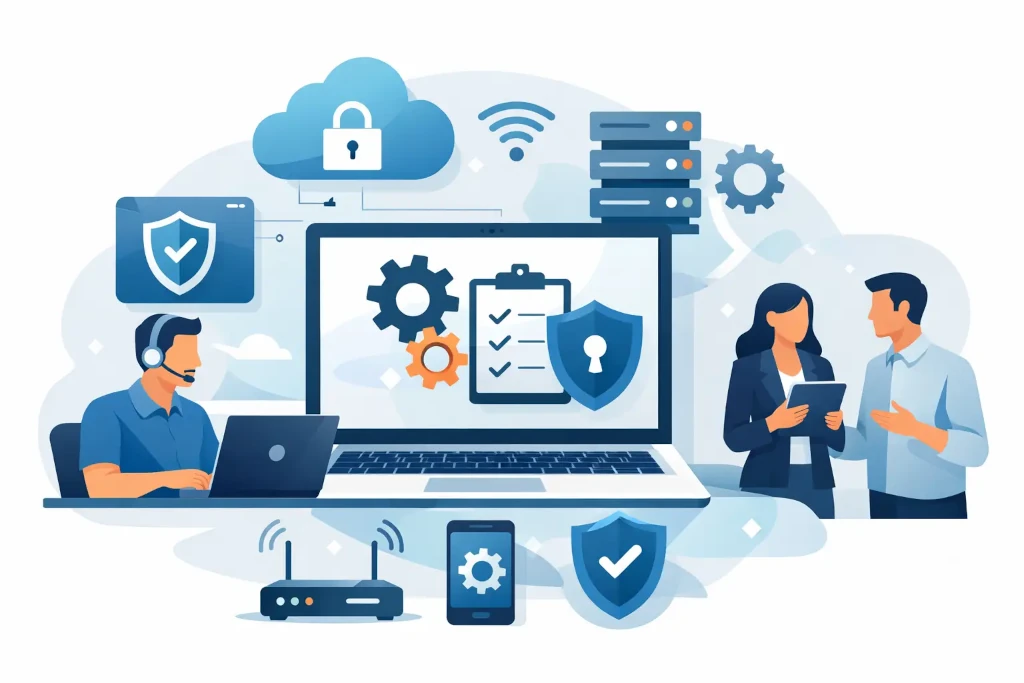
What is included in a managed IT subscription in practice
For most companies, user support is the first thing included in a managed IT subscription. This means assistance with workstations, access issues, email, printers, file sharing, collaboration tools, and other everyday matters that directly affect employee productivity. If this support is organized properly, problems are not simply dealt with one by one - they are documented, recurring causes are analyzed, and issues are resolved systematically.
Alongside user support, the subscription often covers monitoring of servers, network equipment, workstations, and cloud services. Continuous visibility is essential here: disk capacity, server load, backup status, internet connection stability, firewall events, and other performance indicators. The goal is not to wait until a system stops working, but to notice deviations before they become an incident.
Usually the package also includes regular update management. This applies to operating systems and workstations, as well as servers, security solutions, and sometimes third-party business applications. There is one important nuance here - not every update should be installed immediately. A business environment requires a balance between security and compatibility, so a good service provider evaluates the impact of changes rather than updating everything mechanically.
What companies often expect, but do not always receive
One of the most common misunderstandings is the assumption that a subscription automatically includes everything related to IT. In practice, it is not that simple. For example, user support and system monitoring may be included, but building a new office network, server migration, or a full restructuring of the Microsoft 365 environment may be treated as a separate project.
That is why company management should look not only at the price, but at the service boundaries. Does the subscription include only responses to tickets, or also proactive environment management? Is supplier coordination included, for example with the internet provider or the business software maintainer? Are consultations available on infrastructure development, cybersecurity priorities, and budget planning? These are the questions that determine whether the subscription helps manage IT, rather than just keep it running.
Security as part of the subscription
A modern company IT subscription without a security component is effectively incomplete. The minimum level usually includes endpoint protection, antivirus or EDR solution management, firewall monitoring, access control principles, and user account administration. It may also include the implementation and monitoring of multi-factor authentication, especially in cloud environments.
However, security should always be assessed in terms of depth. One company may be fine with basic controls and a clear access policy. Another, which stores sensitive customer data or works under strict compliance requirements, will need a broader scope - log analysis, security incident escalation procedures, vulnerability reports, and regular audit activities.
This is exactly where subscription quality becomes apparent. A good service does not stop at the phrase “security is in place.” It should show what is being controlled, how often it is done, and where the client’s own responsibility begins.
Backups, restoration, and continuity
Backups are often mentioned in all IT offerings, but in practice what matters is not the fact that backups exist, but whether they can be restored and how quickly the company can resume work after an incident. Therefore, a managed IT subscription should include at least backup monitoring, error checking, and periodic restoration testing.
If the company’s operations critically depend on certain systems, a regular backup is not enough. Then you need to discuss restoration priorities, acceptable downtime, and disaster recovery scenarios. Not every company needs a full disaster recovery solution, but almost every company needs clarity about what happens in the first hour after an incident.
That is one of the reasons why management increasingly chooses a subscription with a strategic component rather than just technical maintenance. If the partner can connect backups with business continuity, IT shifts from being a cost item to being a risk management tool.
Does the subscription also include strategic IT management
Not all managed IT subscriptions include higher-level management support. In some cases, the company receives only operational service - ticket handling, monitoring, and technical maintenance. That can be sufficient in a stable environment with a simple infrastructure and clear needs.
However, for growing companies with multiple locations, cloud-based systems, remote teams, or higher security requirements, more is often needed. Here the subscription becomes valuable for IT development planning, budget forecasting, supplier evaluation, risk analysis, and management-level recommendations. In fact, this is an element of an external IT manager or CIO function.
This model is especially useful when a company does not want to maintain a full-time internal IT manager, but still wants to make decisions based on data rather than assumptions. It is precisely in this segment that KSK IT also operates in the market, combining day-to-day infrastructure support with transparent IT management understandable at management level.
What is usually not included in a managed IT subscription
To avoid incorrect expectations, it is also important to understand what is often outside the standard subscription. These are usually one-off infrastructure projects, new office build-outs, large-scale migrations, business application development, hardware purchase costs, and third-party license fees. Sometimes in-depth support for specialized industry systems also remains outside the service scope.
That does not mean the service provider will not help with these issues. Often they are handled as separate projects with a different responsibility model, timeline, and budget. From the company’s point of view, this is actually healthy, as it clearly separates day-to-day maintenance from change initiatives.
How to understand whether the subscription is suitable for your company
The right question is not just “how much does it cost,” but “what risks does it remove from management’s table.” If your company regularly experiences access problems, backup errors, an unclear supplier environment, outdated equipment, or unclear responsibility when incidents occur, a managed subscription is usually economically justified.
On the other hand, if your company already has a strong internal IT team, an external subscription may only be needed in part - for example, for security monitoring, backup capacity, or individual projects. There is no single universal model. A good service starts with an assessment of the existing environment, not with a ready-made standard package for everyone.
In practice, the most valuable subscription is the one with a clearly defined scope of services, response times, responsibility boundaries, reporting frequency, and escalation procedure. If these points are not clear already at the offer stage, problems usually appear later - precisely when the company needs quick and unambiguous action.
What is included in a managed IT subscription in a good model
A good model combines four things: user support, continuous system monitoring, security and backup management, and regular management-level reporting on the state of IT. If development recommendations and risk assessment are also added, the subscription begins to work not only as technical support, but as a mechanism for business stability.
This is especially important for companies that are growing, opening new branches, implementing new systems, or simply do not want IT issues to become a drain on management time. In such situations, the value lies not only in execution, but in predictability - the certainty that the environment is being watched, risks are identified in time, and responsibility is not spread across multiple providers.
If you are evaluating such a service, do not ask only for a list of functions. Ask how exactly this subscription will protect your company’s day-to-day operations when something goes wrong.
