
AUTHORIZATION
Blog

5 ways to optimize IT costs in a company
An unplanned server failure, an employee without access to a critical system, or an urgently purchased software license usually costs more than the invoice itself. That is precisely why 5 ways to optimize IT costs is not just a procurement issue. It is a management issue about how to reduce downtime, prevent risks, and plan a technology budget predictably.
In a small or medium-sized business, IT costs often build up gradually: another cloud service is added, a license is purchased for a specific need, an outdated device is kept in use longer than would be safe. Individual decisions may seem justified, but together they create an expensive and hard-to-manage environment. Effective optimization does not mean cutting everything across the board. It means investing where technology ensures business continuity and eliminating costs that do not deliver a clear business result.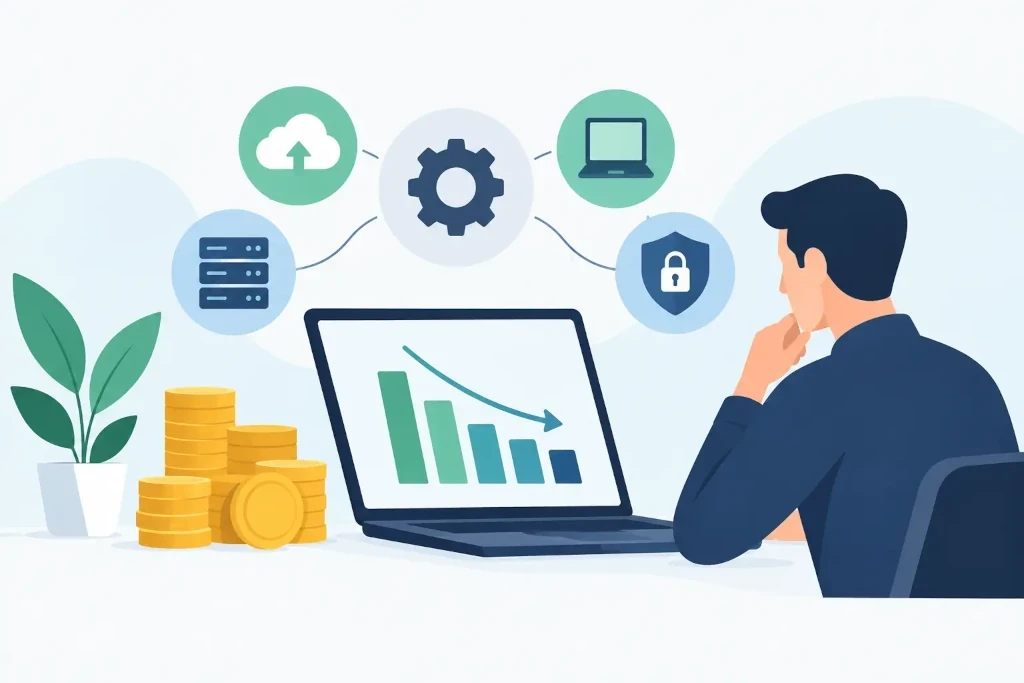
1. Start with visibility into IT costs and risks
Before reducing the budget, you need to know what the company is actually paying for. In many organizations, there is no unified overview of hardware, software, cloud services, support contracts, access rights, and warranties. As a result, management sees the total invoice but does not see where unnecessary spending is hidden and where operational risk is forming.
An IT audit helps connect costs with business significance. For example, an accounting system, customer data storage, and remote access may be critical functions. Meanwhile, a long-unused server, a duplicate file storage solution, or licenses for former employees are costs that can be reviewed without a negative impact on work.
The overview should include not only monthly payments but also hidden costs: how often incidents occur, how many work hours are lost resolving them, how much emergency callouts cost, and what consequences data loss would cause. A cheaper solution is not always more economical if it regularly causes downtime or requires manual work.
Look at total cost of ownership
The purchase price of equipment is only part of the total cost. Maintenance, electricity, licenses, spare parts, security updates, specialist time, and replacement risk must also be considered. This perspective makes it possible to compare whether it is more worthwhile to modernize a particular system, move it to the cloud, or replace it with a managed service.
2. Manage licenses and cloud services based on actual usage
The subscription model gives businesses flexibility, but it can also lead to uncontrolled cost growth. Licenses are purchased with a buffer, users change positions, projects end, but payments continue. In cloud services, a similar situation arises with unused data storage, oversized virtual servers, or parallel platforms for one task.
Regular license management means comparing the number of purchased users with active users and checking whether each one needs the selected license level. Not all employees need the same features. For example, part of the team may only need basic access, while full functionality is required only for finance, management, or technical specialists.
Cloud resources should also be tied to load and working schedule. A development environment that runs around the clock even though it is used only during business hours creates unnecessary costs. However, excessive resource reduction can slow down critical systems or jeopardize customer service. The right decision is based on usage data, not assumptions.
3. Reduce downtime, not just support bills
IT cost optimization often mistakenly starts with the desire to reduce the price of a support contract. But it is more important for a company to understand how much one hour without email, the ERP system, internet, file access, or payment processing costs. This calculation includes not only employee downtime, but also delayed orders, loss of customer trust, and management time spent resolving the crisis.
Preventive monitoring, regular updates, and standardized infrastructure reduce the frequency of incidents. This is usually more cost-effective than reacting after a failure. If the IT service provider monitors the environment proactively, a problem can be detected even before users feel its consequences, for example when disk space is running low, a certificate is about to expire, or backup has not completed.
A predictable service model gives management control
Managed IT support with a clearly defined scope of services helps replace unpredictable emergency expenses with a predictable monthly budget. This does not mean every project will fit into a fixed fee, but day-to-day maintenance, incident resolution, and basic monitoring become transparent.
This approach is especially valuable for companies where it is not practical to maintain a full-time IT team with various specializations. The needed expertise can be obtained on demand, while retaining access to both practical support and strategic consulting.
4. Standardize workstations and infrastructure
Every individually chosen computer, router, or software solution increases support complexity. If a company has many different devices and operating system versions, IT specialists need more time for diagnostics, updates, and finding spare parts. Cybersecurity control also becomes less comprehensive.
Standardization does not mean that all employees must work with identical equipment. It means defining several approved workstation profiles, for example for an office user, manager, designer, or engineer. Each profile should have a specified device lifecycle, supported software, security requirements, and replacement procedure.
Planned replacement is cheaper than forced replacement. Outdated equipment not only works slower, but also more often causes incidents and may no longer receive security updates. However, it is not justified to replace all devices at once just because of age. Priorities should be set based on the user’s role, the condition of the equipment, the warranty, and the impact on business processes.
5. Protect data to avoid the most expensive scenario
Data loss, ransomware, or prolonged unavailability of systems can turn an apparently saved budget into major losses. Backups are essential, but they are not enough on their own. You need to know whether copies are tested, how quickly work can be restored, and whether critical systems can operate in an alternative mode.
An effective business continuity plan sets priorities. For some systems, restoration the next business day is acceptable, while others must be restored within a few hours. These requirements affect both backup architecture and costs. It is not worthwhile to pay for maximum recovery speed for all data, but it is risky to protect critical functions minimally.
Regular disaster recovery plan testing shows whether the company can meet its commitments to clients and employees even during an incident. It is also a way to uncover inefficient solutions, redundant data copies, and unclear responsibilities before a crisis.
Optimization requires regular management decisions
IT budget should not be reviewed only when costs have already increased or an incident has occurred. A quarterly review of licenses, infrastructure condition, security risks, and upcoming projects helps make timely decisions. Management needs a clear picture of what keeps the company running, what creates risk, and where investment will deliver measurable results.
KSK IT’s approach to such issues is to connect the technical environment with the company’s operational goals, rather than offering one solution for everyone. A good next step is to choose one area lacking visibility, such as licenses or backups, and turn it into a regularly managed process. It is precisely these gradual decisions that create a more stable infrastructure and a budget that can be managed with confidence.
