
AUTHORIZATION
Blog

How to document a company's IT environment without risks
When the chief systems administrator is unreachable, but email, accounting, or remote access suddenly stops working, a company usually quickly discovers one problem: essential information is stored in people’s memory rather than in manageable documentation. Knowing how to document a company’s IT environment means not creating folders and spreadsheets for formality’s sake, but reducing downtime, vendor dependence, and the risk of wrong decisions.
In a small or medium-sized business, IT documentation often develops in fragments. Some passwords are in a password manager, some in correspondence; the network diagram is outdated; licenses are renewed when an invoice arrives; and backups are supposedly working because that was said at project handover. This situation is not rare, but it makes incident resolution, audits, opening a new branch, and technology budget planning more difficult.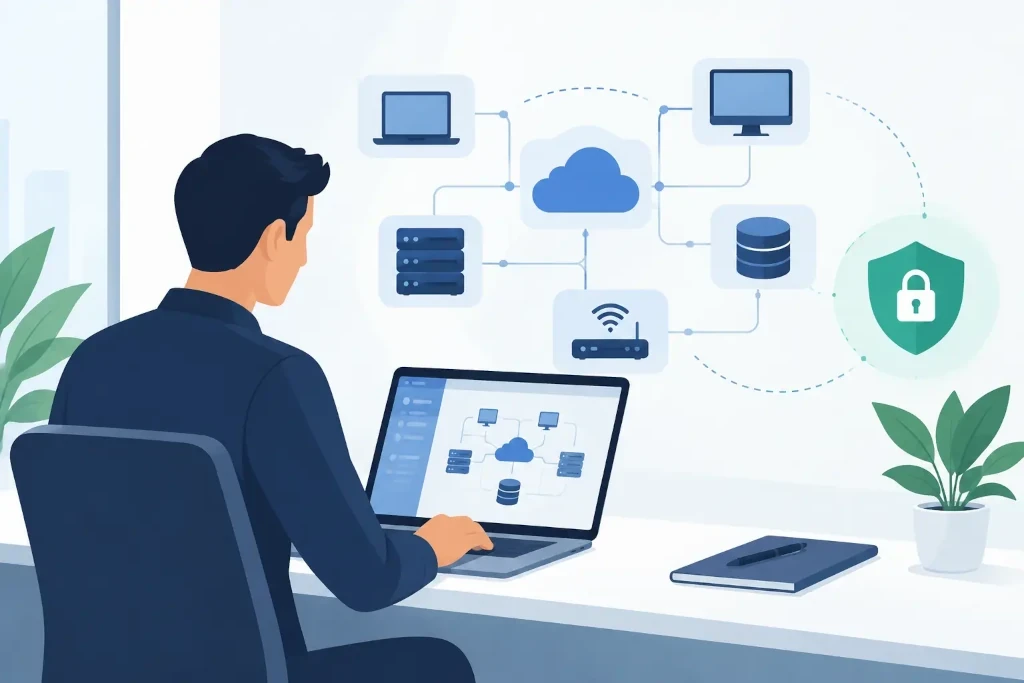
Why IT environment documentation is a management issue
Documentation is an operational control mechanism. It makes it possible to understand what the company’s operations depend on, who is responsible for each critical service, and how quickly it can be restored. If management does not know where the company’s data is located, which contracts govern cloud services, or who owns administrator rights, it cannot properly assess risk.
Good documentation also reduces costs. The technical specialist does not have to search historical correspondence, check every cable, or guess which vendor maintains a given solution. If the company changes its IT service provider, hires a new employee, or undergoes a merger, structured information significantly speeds up the transition and reduces the likelihood of interruptions.
However, the goal is not to document absolutely everything at the same level of detail. In a small office, it is not useful to maintain a complex database for every peripheral device if the biggest risk is access to the financial system and customer data. The depth of documentation should match the company’s size, regulatory requirements, operational criticality, and acceptable downtime.
Start with a map of critical services
The first task is not to choose a documentation tool. First, determine which services the company needs in order to be able to work the next business day. These may include email, file storage, ERP or accounting systems, customer management systems, online banking, production equipment control, VPN, and telephony.
For each service, record the business owner, technical responsible person, vendor, data location, and acceptable downtime. For example, email unavailability for four hours may be inconvenient, but the unavailability of the ordering system at the same time can cause direct revenue loss. This difference determines both backup priority and the level of detail in the recovery procedure.
This is often where a significant risk is discovered: the service contract is in the name of a former employee, the billing email is no longer monitored, or the administrator account is tied to a personal device. Such issues should be resolved immediately, not left for the next IT project.
How to document a company’s IT environment by layers
The most practical solution is to document the environment by logical layers. In this way, the information is understandable both to the IT specialist and to the manager who needs an overview of risks and costs.
Infrastructure and network
Document internet connections, firewalls, routers, switches, Wi-Fi networks, servers, storage, office locations, and remote access solutions. A list of devices is not enough. It must be clear how they are connected, which networks are segregated, and which components are single points of failure.
The network diagram does not need to be overloaded with every port if that is not necessary for daily maintenance. But it should show the critical connections, the IP address plan, VLAN segments, key equipment, and backup internet connection, if there is one. Update the diagram after every significant change, not just on the eve of an audit.
Systems, applications, and data
For each system, record its purpose, owner, user groups, authentication method, integrations with other systems, and data classification. There is a significant difference between a publicly accessible marketing website and a system that processes personal data, financial information, or trade secrets.
The documentation should also indicate whether the solution is a cloud service, an on-premises server, or a hybrid environment. A cloud service does not by itself eliminate responsibility for access management, data retention, and contract terms. It should be clear what happens if an administrator is locked out, the subscription ends, or the vendor discontinues the service.
Access and identity
Passwords must not be stored in a regular document or spreadsheet. The documentation should say where the access data is located and who is authorized to use it, while the secrets themselves should be stored in a centralized password manager with multi-factor authentication and access logs.
Special attention should be paid to administrator accounts, domain registration, the main cloud platform account, and backup administration. None of these elements should depend on one employee’s personal email or phone number. An emergency access procedure should also be defined if the authorized employee is unavailable.
Contracts, licenses, and vendors
IT is not just technology. Document contracts, licenses, renewal dates, support levels, contact persons, and the service termination procedure. This prevents situations where the company loses a domain, misses a license expiration, or cannot get support during a critical incident.
The vendor list should specify not only the seller, but also the actual significance of the service in the company. If one external partner maintains the firewall, backups, and Microsoft 365 environment, that is a concentrated dependency that management must understand.
Backups and recovery should be described as a process
The phrase "backups are being made" is not documentation. It must be known exactly what is copied, how often, where the copies are stored, how long they are retained, and who checks the result. More importantly, it must be specified how to restore critical data and systems.
The recovery procedure should be sufficiently specific so that a qualified specialist can act even if the original system creator is unavailable. It should describe priorities, required access, dependencies, and communication procedures. At the same time, there is no point in writing hundreds of pages that no one checks. A short, regularly tested instruction is better than a perfect but outdated manual.
At least once a year, and more often for critical systems, a recovery test should be performed. The test reveals not only technical errors, but also incomplete documentation: a missing license, an unknown encryption key, an outdated contact person, or an unforeseen dependency on another system.
Choose an accessible and manageable format
The documentation tool must be secure, searchable, and accessible to those who need it. For a small company, a structured document environment with access controls and a separate password manager may be sufficient. In a larger environment, a specialized IT documentation or configuration management system is useful, linking equipment, contracts, incidents, and changes.
The most important thing is not the name of the tool, but discipline. There must be one source of truth, document owners, and a procedure for updating changes. If the network diagram lives in one place, the license list in another, and vendor data in three different mailboxes, documentation formally exists but practically does not help.
Integrate documentation maintenance into daily operations
Documentation most often becomes outdated because it is treated as a one-time project. The correct approach is to require a documentation update as part of every change: if a firewall is replaced, a new system is added, a branch is opened, or a vendor is changed, the relevant records are reviewed before handover.
It is recommended to review the list of critical services, administrator access, licenses, and backup status quarterly. Once a year, management should receive a brief report on the main IT dependencies, risks, and recommended investments. This turns documentation from a technical archive function into the foundation for thoughtful IT governance.
If the company does not have an internal resource capable of both maintaining documentation and assessing its quality, an external IT partner can provide an independent perspective. In KSK IT practice, organizing documentation often becomes the first step before infrastructure modernization, security audits, or improving the business continuity plan.
Start with one question: could your company restore critical IT services tomorrow if the main specialist and their computer were unavailable? If the answer is not clear and verifiable, documentation is already a priority.
