
AUTHORIZATION
Blog

How to configure a company VPN for secure access
Remote work, branches, and outsourcing partners mean that company systems are regularly accessed from outside the office network. The question is not only how to configure a company VPN, but how to ensure that this access does not increase the risk of data leaks, ransomware, and downtime. A poorly designed VPN can be a convenient shortcut for an employee and at the same time an unnoticed entry point for an attacker.
A company VPN should be treated as a controlled access system, not simply a connection to the internal network. Proper configuration combines user identity verification, device security, clearly defined access rights, logs, and regular administration. For a small or medium-sized business, this makes it possible to use company resources flexibly without losing control over critical data.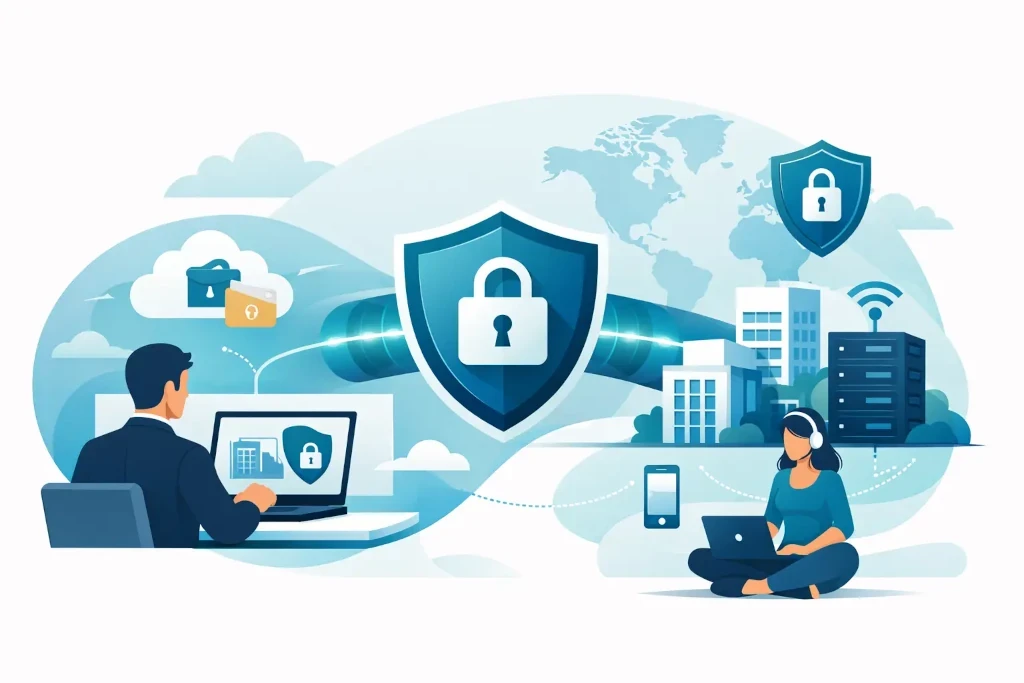
Start with access scenarios, not the VPN solution
Before choosing a firewall, licenses, or a client app, you need to answer a simple business question: who needs remote access, and why? An accountant may need access to the financial system, the sales team to a document repository, and an IT administrator to the server management environment. These are not equal risk levels, so they should not receive equal rights.
In practice, companies usually have two VPN usage models. A remote access VPN connects a specific user and their device to company resources. A site-to-site VPN connects, for example, the Riga office with a warehouse, branch office, or cloud-hosted infrastructure. Many organizations need both, but they should be designed and managed separately.
It is important to create a resource map: which servers, applications, file repositories, and administration tools are available remotely, what data is stored in them, and who truly needs it. If this work is skipped, the VPN often becomes a full-access tunnel to the entire office network. That is convenient at first, but expensive when an incident occurs.
How to configure a company VPN with the right architecture
The choice of technology should be based on the existing environment and operational requirements. A VPN can be provided by a next-generation firewall, a specialized remote access solution, or an identity-based access platform. There is no universally best option. A company with on-premises file servers and production systems often needs a different solution than an organization that mostly uses cloud services.
In general, the choice should be assessed across four dimensions: security, manageability, performance, and cost. A free or consumer-grade VPN product may be suitable for protecting an individual’s internet traffic, but it usually does not provide centralized user management, audit logs, access policies, and integration with the company’s identity system. In a corporate environment, these functions are a basic requirement.
The architecture should follow the principle of least privilege. The user should see only the networks and services needed for their work. For example, the sales department has no reason to access the server administration segment, and an external accounting partner should not be given access to the entire file structure.
Network segmentation is essential here. VPN users should be directed to a separate segment from which firewall rules allow access only to approved resources. This approach limits damage if a user account or device is compromised. It also simplifies auditing, because it is clear from where and to what remote users connect.
Identity matters more than the password
A username and password alone are not enough. Phishing attacks, reused passwords, and leaked credentials remain a common starting point for security incidents. VPN access should use multi-factor authentication, or MFA. This can be a confirmation in an authenticator app, a hardware security key, or another factor that complies with company policy.
It is best to link the VPN to centralized identity management. Then, when an employee changes roles or leaves the company, access rights are changed in one controlled process. Otherwise, old VPN accounts, locally created passwords, and hard-to-review permissions accumulate in the company.
Privileged users - system administrators, outsourcing specialists, and management personnel with access to sensitive data - should be subject to stricter rules. These may include access only from managed devices, limited connection times, separate administrative accounts, and additional approval for especially sensitive actions.
Device security determines access quality
A VPN encrypts traffic between the device and the company environment, but it does not make an infected or outdated computer safe. If there is malware on an employee’s laptop, the VPN connection can open a path for it to internal resources. That is why VPN policy should be tied to device management.
Access should preferably be allowed only for devices with disk encryption enabled, current operating system and security updates, a managed anti-malware solution, and screen locking. Personal devices may be permitted in certain roles, but then it should be assessed whether it is safer to use remote desktop, a virtual work environment, or browser-only access to a specific service.
The use of split tunneling must also be decided. If it is enabled, only traffic to company resources goes through the VPN, while the rest of the internet uses the user’s local connection. This reduces load on the central internet link and improves video conference quality, but requires reliable device protection. If split tunneling is disabled, all traffic goes through the company’s security controls, but more capacity and bandwidth are needed. The right choice depends on risk, workload, and company resources.
Deployment sequence that reduces the risk of errors
VPN deployment should not start with connecting all employees on the same day. First, create a pilot group with different use cases: an office worker, a manager, an IT administrator, and, if necessary, an external partner. The pilot reveals problems with application access, DNS, performance, and user support before they affect the entire company.
Before a wider rollout, check the following control points:
- access rights are defined and documented for each user group;
- MFA is mandatory, and shared VPN accounts are not allowed;
- firewall rules block access to anything that is not explicitly required;
- logs record login attempts, user, device, source country or IP address, and accessed resources;
- there is a clear process for revoking access, handling lost-device incidents, and suspicious login activity.
The configuration should be recorded in documentation. It should include the network diagram, VPN address ranges, the authentication methods used, certificate expiry dates, responsible persons, and the recovery procedure. Documentation is not a bureaucratic attachment - it is a business continuity requirement. If the main administrator is unavailable or the infrastructure needs to be restored after an incident, the company cannot rely on memory and scattered notes.
Monitoring and checks after launch
A VPN is not a project that ends on the day of configuration. Users change, devices are replaced, services move to the cloud, and attackers’ methods evolve. Access rights must be reviewed regularly - at least once a quarter for sensitive systems and after every significant personnel or infrastructure change.
Failed login attempts, unusual login locations, simultaneous sessions, long-active accounts, and administrative access must be monitored. Not every alert is an incident, but a log that no one reviews does not provide control. For smaller companies, it is often useful to include this task in a managed IT service, where responsibility for monitoring and response is clearly defined.
Backup access is also important. If the MFA service, internet connection, or main firewall is unavailable, critical teams must know how to continue working in a controlled manner. This does not mean creating an insecure “emergency account,” but rather testing recovery scenarios and including them in the company’s business continuity plan.
In KSK IT practice, VPN is evaluated together with identity management, network segmentation, backups, and incident response. This approach helps avoid the situation where one technical solution is regarded as a complete security strategy.
A secure VPN is not visible in daily work - the employee connects, accesses the needed resource, and continues working. But behind that simple experience there must be clear accountability, verifiable policies, and the ability to act quickly when circumstances change.
