
AUTHORIZATION
Blog
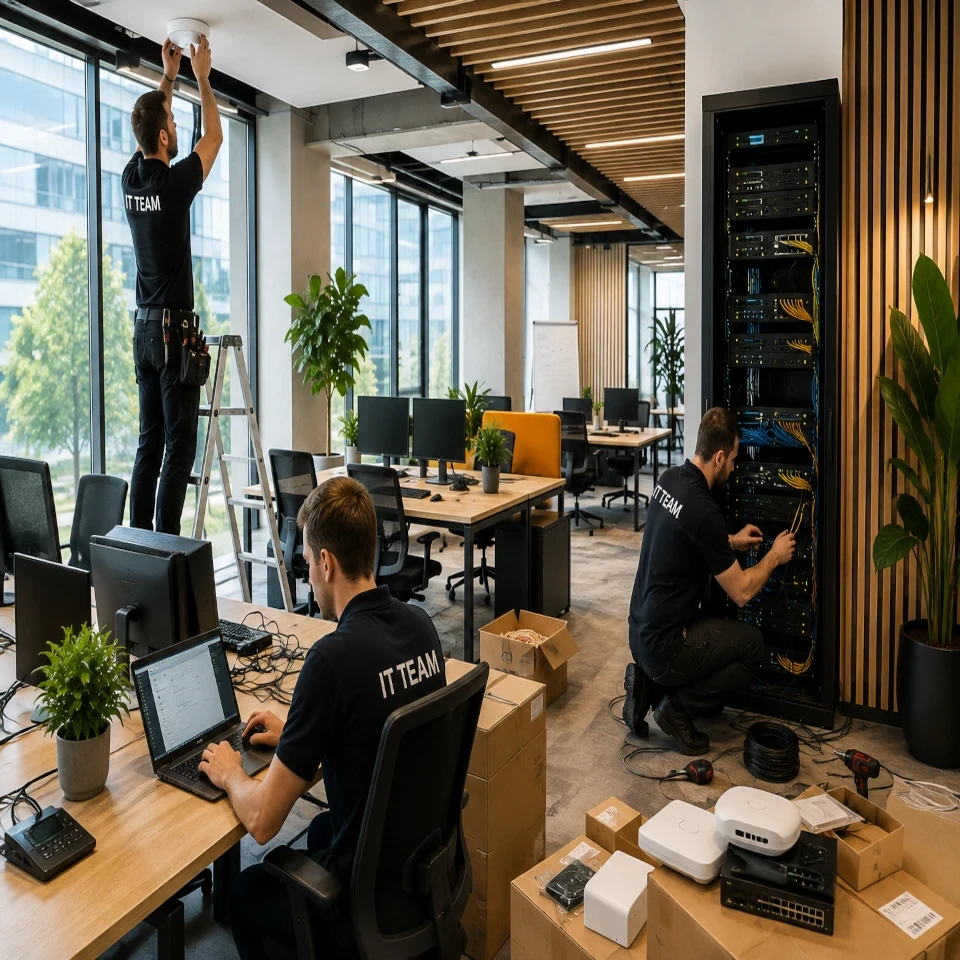
An example of implementing new office IT in practice
An example of IT implementation for a new office most often begins not with ordering computers and Wi-Fi, but with one business question: what will happen on the first working day if the system does not work? If the team cannot access customer data, send invoices, or connect remotely, the office opening becomes an operational risk. That is why IT implementation in a new office must be managed as a business continuity project, not as a separate purchase of technical equipment.
Let us look at a practical situation. A Latvian services company with 28 employees is moving to a new office and plans to grow the team to 40 people over the next two years. The company’s management has three priorities: employees must be able to work on the first day, customer and financial data must be protected, and everyday IT issues must not require hiring a full-time internal IT department.
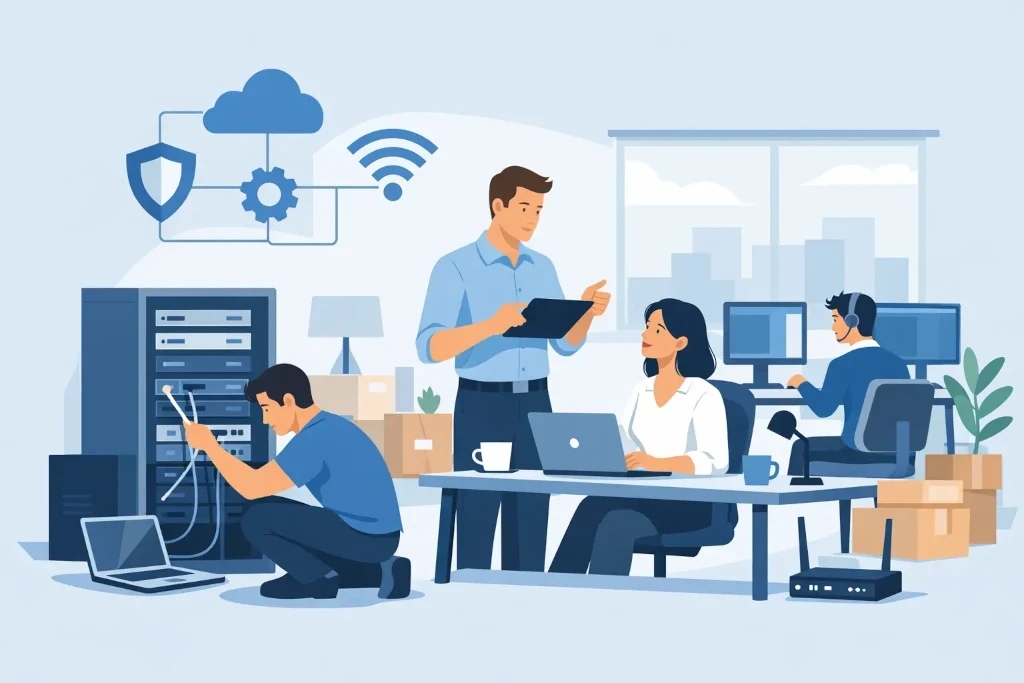
An example of IT implementation for a new office: starting with requirements
Before an internet connection is chosen or laptops are ordered, the work model is defined. Do all employees work only in the office? Do the sales, management, and project teams regularly work remotely? Does the company have guests, subcontractors, or separate departments with access to sensitive data?
In this example, the company uses cloud services for documents, email, and collaboration, an accounting system with restricted access, and a local network resource for document digitization. Several employees work at clients’ sites, so access must also be secure outside the office.
These requirements lead to a specific IT architecture. It does not have to be complicated, but it must be transparent: centralized user account management, a secure wireless and wired network, managed work devices, multi-factor authentication, backups, and a defined support process. Each component has a clear task - reducing downtime, access errors, and the risk of data loss.
An important decision is also growth capacity. A network that can serve 28 users today but requires a complete rebuild in a year may seem cheaper in the short term, but it creates additional costs and disruption later. Conversely, overly powerful infrastructure is an unjustified capital investment for a small office. The right scale depends on the number of employees, data flow, floor plan, and the company’s development plan.
Network deployment: availability without compromising security
Two independent internet connection scenarios are implemented in the new office: primary business internet and a backup connection for critical situations. Not every company needs two full-fledged fiber connections. However, for a company whose work is entirely cloud-based, a backup connection can be significantly cheaper than a few hours without email, calls, and access to systems.
Several zones are separated in the network. Employee devices are in a separate segment, guest Wi-Fi has no access to company resources, and printers, conference room equipment, and other network devices are isolated from user workstations. Such segmentation limits the impact of an incident. If, for example, a guest device is infected or some outdated peripheral device poses a risk, the problem does not spread across the entire infrastructure.
Wireless coverage is checked in the rooms, not only according to the building plan. Glass partitions, metal structures, storage areas, and conference rooms can significantly affect signal quality. In practical implementation, the location of access points is determined by measurements and expected load, not by the principle of "one floor - one access point".
Network equipment is provided with centralized management and monitoring. This makes it possible to notice connection problems, unusual data traffic, or device failure in time. For management, this means fewer unplanned interruptions, and for employees - less time spent waiting for help.
Workstations and identity management
In this project, a standardized workstation is prepared for each employee: a laptop, docking station, monitor, encrypted drive, protected operating system, and the necessary business applications. Standardization is not just a procurement convenience. It reduces support costs, speeds up onboarding of new employees, and makes device replacement easier in the event of a failure.
Devices are registered in the management system before being handed over to users. This allows security updates to be installed remotely, encryption status to be checked, software to be deployed, and access from a lost device to be blocked if necessary. For a company with a hybrid work model, this control is especially important because sensitive data does not move only within the office network.
Access to systems is based on job role, not on personal agreement or shared accounts. A sales specialist gets access to the customer environment, accounting gets access to financial systems, and an external consultant gets access only to the resources needed for a specific project. Multi-factor authentication is implemented for all accounts, especially administrative and remote access users.
This is where a compromise between convenience and security often appears. Too strict restrictions can encourage employees to use private file-sharing tools or share passwords. Therefore, the access policy must be supplemented with a clear workflow and clear rules. Security should support work, not create unofficial workarounds.
Data protection and recovery after an incident
Backups are not the same as data synchronization in the cloud. If a file is accidentally deleted, overwritten, or encrypted in a malware attack, the changes can be synchronized elsewhere as well. That is why, in this example, a separate backup policy is created for critical data, cloud environment content, and necessary configurations.
It is determined which data is critical, how quickly it must be recoverable, and how much data loss the company can accept. For example, customer contracts and financial documents may require frequent backups, while less important archives may be backed up on a less frequent schedule. These decisions must not be left only to the technical team - they determine business risk and costs.
Even the best backup is insufficient if recovery is not tested. Before the office opening, a test recovery scenario is carried out: it is checked whether a specific file, user data, and an essential service can be restored within the expected time. This test gives management far more confidence than a simple statement that backups are being made.
Implementation schedule and responsibility
In a practical project, the work is planned backward from the move date. First, the floor plan, internet connections, and power outlet placement are approved. Then comes network installation, equipment configuration, user account preparation, and workstation setup. In the final stage, acceptance testing is carried out with real work scenarios.
A common mistake is postponing the ordering of an internet connection until the office renovation is almost complete. The lead times for commercial connections can be longer than expected, especially in buildings with complex infrastructure. Delivery times for laptops, network equipment, and conference room technology must be planned similarly.
The project needs one responsible person from the company side who makes timely decisions on budget, access rights, and work priorities. Meanwhile, the IT partner coordinates the technical implementation, documents the infrastructure, and ensures that after the move there is a known support channel, response procedure, and boundaries of responsibility. KSK IT in such projects combines implementation work with ongoing managed monitoring so that the new office does not become a one-time project without a long-term owner.
What management gains after a successful implementation
The result is not just an organized server cabinet or fast Wi-Fi. The company gains a predictable work environment in which new employees can be connected quickly, access can be controlled, the impact of incidents is limited, and critical data can be restored. At the same time, management gets a transparent basis for planning IT costs, rather than a series of urgent purchases after each problem.
A new office is a rare opportunity to organize the technology environment before exceptions, unknown accounts, and outdated devices accumulate in it. A well-planned implementation makes it possible to start work with clear responsibility, measurable security, and infrastructure that supports the company’s next stage of growth.
