AUTHORIZATION
Blog
What is SLA and why is it important for business
Introduction
When a company signs a contract for IT services, everything seems clear — there’s a monthly fee, a contact person, and a promise to “keep things running.”
But how can you be sure that your IT partner will actually respond quickly, fix issues on time, and maintain quality?
That’s where the SLA — Service Level Agreement — comes in. It’s the foundation of professional IT support and one of the main criteria that distinguish a reliable provider from a random freelancer.
1. What Is an SLA?
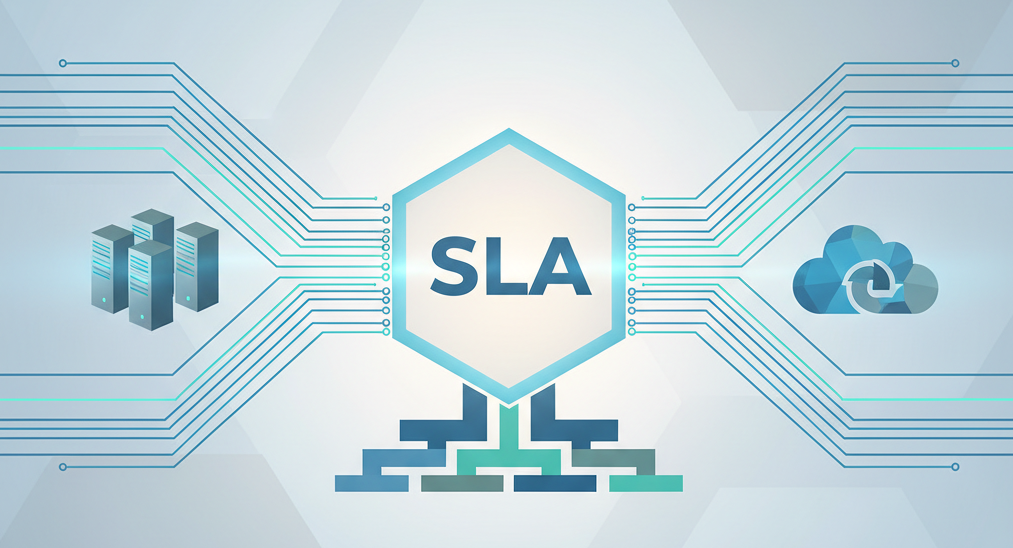
An SLA (Service Level Agreement) is a formal agreement between the client and the IT provider that defines how the service will be delivered — with measurable indicators and clear expectations.
A good SLA specifies:
-
guaranteed response times and resolution times;
-
the scope of supported systems and users;
-
communication channels for submitting and tracking tickets;
-
penalties or credits if the provider fails to meet agreed targets.
Without an SLA, the service works “as it happens” — sometimes fast, sometimes not at all.
2. Why Your Business Needs an SLA
For companies where IT systems are critical — accounting, ERP, communications, data storage — every hour of downtime costs money.
An SLA provides structure and protection for your business operations.
Key benefits:
-
Predictable and transparent support;
-
Guaranteed timeframes for issue resolution;
-
Clear accountability from your IT partner;
-
Fewer surprises and emergencies;
-
Easier internal reporting and budgeting.
3. Typical SLA Metrics
While details vary from company to company, the most common SLA indicators include:
-
Response time: within 30 minutes during working hours
-
Resolution time: within 4 hours for critical issues
-
Uptime guarantee: 99.8% for servers and network equipment
-
Communication channels: service desk, email, or hotline
-
Reporting: monthly performance reports and ticket statistics
These metrics turn promises into measurable commitments — and give you a real basis for evaluating performance.
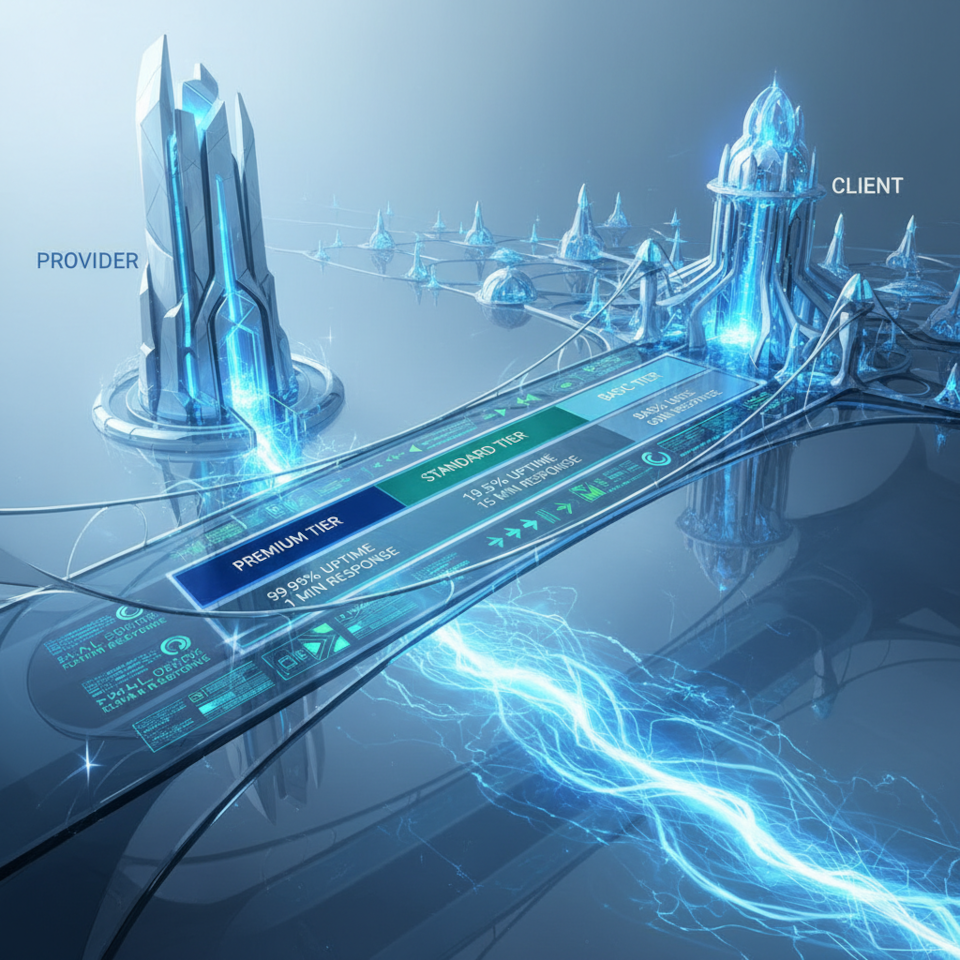
4. SLA Levels: Standard, Advanced, and Custom
Different businesses need different levels of support.
-
Standard SLA — suitable for small businesses that only need IT help during office hours.
-
Advanced SLA — includes extended hours, proactive monitoring, and regular maintenance.
-
Custom SLA — tailored for companies that work 24/7 or have critical systems (e.g. manufacturing, logistics, healthcare).
In all cases, the SLA should reflect how critical your IT systems are and what downtime truly costs your business.
5. How to Evaluate an SLA Before Signing
Before agreeing to any IT contract, check:
Are response and resolution times clearly defined?
Are there escalation procedures and contact points?
Does the SLA cover both on-site and remote support?
Are reports and performance metrics included?
Is there compensation or accountability for missed targets?
If any of these points are unclear — ask for clarification before signing. A professional provider will always explain and document every detail.
Conclusion
An SLA is not just paperwork — it’s a guarantee of service quality and accountability.
With a well-structured SLA, your company knows what to expect, how quickly issues will be resolved, and who is responsible for keeping systems running smoothly.
At KSK IT, every client contract includes a clear SLA with transparent metrics, proactive monitoring, and defined communication rules.
We believe that trust in IT support begins with clarity — and SLA is the tool that provides it.
