
AUTHORIZATION
Blog

IT infrastructure for a new company
In the first weeks of work in a new company, very few think about server policies, the structure of access rights, or backup scenarios. Usually, the focus is on sales, clients, and assembling a team. That's why IT infrastructure is often put together in haste for a new company - from individual subscriptions, randomly chosen computers, and access data stored in one person's head. Initially, it seems sufficient. Later, it becomes expensive, risky, and hard to manage.
If a company wants to work stably, securely, and with understandable costs from the very beginning, the IT environment must be established as the foundation of the business, not as a technical annex. It's not about overly complex infrastructure. It's about making the right decisions at the right time.
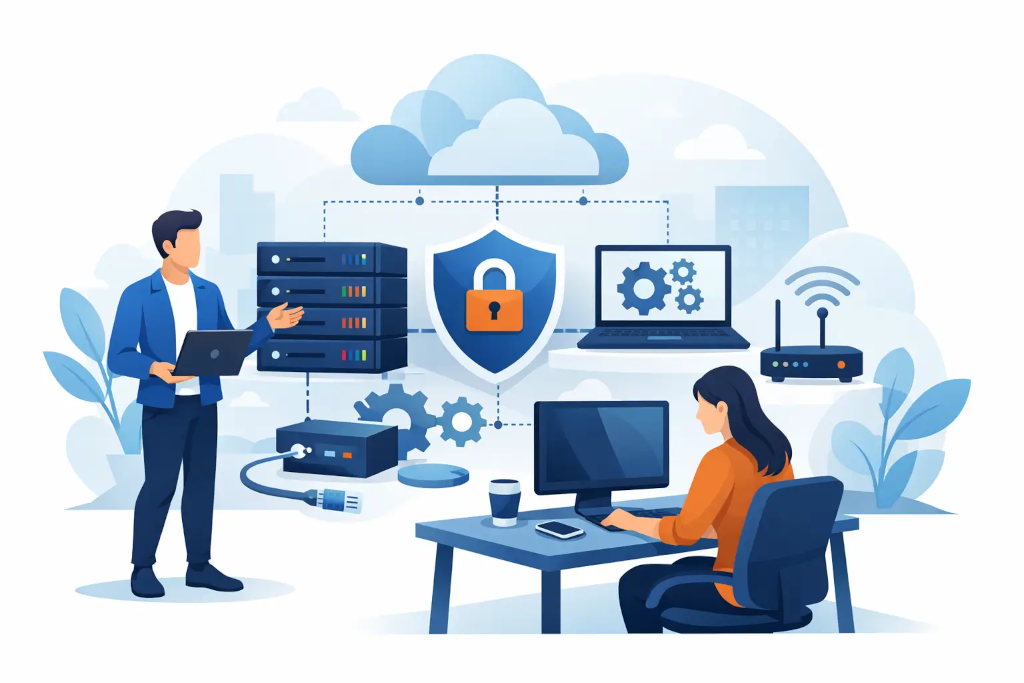
What IT infrastructure really means for a new company
For a new company, IT infrastructure is not just computers and the internet. It is the entire environment that ensures daily operations, data security, access to systems, collaboration in teams, and the ability to continue working even in the event of an incident. Practically, it means user accounts, devices, email, file storage, communication tools, networks, cybersecurity basics, backups, and responsibility for all of it.
The most important thing is to understand that these elements are not separate purchases. They are interrelated decisions. If a company opts for simple file storage without access policies, it affects security. If the cheapest computers are bought without management options, it impacts support costs. If accounts are created without centralized administration, turnover in the team creates operational and legal risks.
Where to start, so everything doesn’t need to be rebuilt later
The best start is not with a technology list but with the company's working model. How many people will work in the first 6 to 12 months? Will part of the team be remote? Will sensitive client data need to be processed? Is rapid growth, opening a second office, or international collaboration planned? These questions determine whether a standardized cloud environment model is sufficient or if a hybrid approach with stricter management needs to be established from the outset.
A smaller company often only needs a well-organized cloud environment, where user accounts, business email, document storage, access control, and backup solutions are centralized. This is a faster and more predictable path than building local infrastructure. But not always. If industry requirements, client contracts, or data processing specifications demand higher control, a more complex environment must be designed early on.
This is where new companies often go wrong. They either choose a solution that is too simple to withstand growth or a model that is too heavy, creating unnecessary costs. The right answer is usually somewhere in between.
Four layers that must not be left to chance
User management and access control
If the company does not have unified account management, problems start very quickly. Employees use personal emails, passwords are shared in chats, and access to systems outlives employment relationships. From a business standpoint, this means not only a security risk but also a lack of control.
A new company needs centralized identity management, multi-factor authentication, and clear access logic right from the start. Each user must have their own account, and each role must have understandable rights. This is not a matter of bureaucracy. It is a question of business continuity.
Devices and workstations
Purchasing computers is often seen as a simple procurement, but in practice, it is a management choice. If the team has various models of devices without unified settings, update controls, and security policies, support becomes slow, and incidents become more expensive.
A sensible approach is to standardize workstations. It is not always necessary to have the most expensive technology, but a predictable environment is needed. Uniform delivery principles, encryption, remote management, antivirus, and update control significantly reduce the operational burden. This is especially important for companies that do not have their own internal IT team.
Data, files, and backups
Many new companies assume that if data is in the cloud, everything is already secure. This is not entirely true. Cloud services and backup strategies are not the same. Deletion, access errors, synchronization problems, or malicious actions can cause very real losses.
Therefore, document storage must be organized not just for ease of use but also for recovery options. It must be known what is backed up, how often, where copies are stored, and how quickly data can be restored. If this cannot be answered, the backup policy effectively does not exist.
Network and business continuity
Even in a small office, network quality affects almost everything - access to files, video meetings, security, printers, guest access, and remote work. A cheap router from a store may be acceptable for home use but not for a business where downtime means real monetary loss.
If a company has a physical office, network segmentation, secure Wi-Fi access, monitoring, and backup scenarios are not luxuries. The same applies to the resilience of the internet connection. Some companies get by with one quality connection, while others need a backup channel. It depends on how long the business can afford to be at a standstill.
Where new companies often overspend
Overspending usually does not happen because an overly expensive service has been chosen. It happens because the environment is not planned as a whole. One team purchases licenses, another chooses file storage, an outsourcing specialist sets up the network, and no one sees the full picture. As a result, the company pays for overlapping tools, unused licenses, and fragmented support.
Another typical mistake is to save on design and then pay for reconstruction. If a company grows from 5 to 35 employees in its first years, a haphazard environment initially starts to slow down hiring, security control, and daily support. At such moments, reconstruction becomes more expensive than sensible planning at the outset.
When is a standard solution sufficient and when does it need strategic management
Not every new company needs a full-time IT manager. But many need a person or partner who sees not just ticket processing but also risks, costs, and development directions. The difference is significant.
A standard solution is suitable if the company's model is simple, the team is small, requirements are typical, and there are no heightened compliance risks. In contrast, strategic IT management becomes necessary if the company is growing rapidly, works with sensitive client data, opens several locations, or prepares for audits, investments, or transactions.
At this stage, IT infrastructure for a new company is no longer just a technical base. It becomes a management issue. It is essential to understand where there is a single point of failure, how quickly work can be restored, how access is controlled, and whether costs will remain predictable after a year, not just today.
What a healthy startup architecture looks like
In practice, a healthy startup architecture is simple enough to maintain without unnecessary complexity but disciplined enough that the company does not lose control when first growing. It includes centralized identity management, standardized workstations, business-class collaboration tools, a structured file environment, backups, and a clear model of responsibility.
Documentation is important. Not just for the convenience of technical specialists but in the company's interest. Where are administrative access stored? How is a new employee plugged in? How is access revoked when a person leaves? What happens if part of the environment becomes inaccessible due to an attack? If the answers are only in one person's head, the company is not ready.
This is why many companies choose an external partner who can combine implementation, daily support, and a management-level view. The KSK IT type model is logical for those companies that need not just a technician on demand but a structured, continuity-oriented environment with clear responsibility.
IT infrastructure for a new company is not a one-day project
One of the most dangerous assumptions is the idea that IT can be set up once and forgotten. Even in a small company, the environment changes with people, client demands, software, and security risks. This means that the initial implementation is only the first phase. After that, comes monitoring, adjustment, and periodic review.
A good question is not just “what do we need today” but “what will happen when the company doubles.” If the answer is that you will have to change the account model, move files, change licenses, and redo security policies, then the start has not been well thought out.
A strong IT environment for a new company provides not just technical order. It offers the management predictable costs, less downtime, clear responsibility, and the ability to grow without chaotic reconstruction at each subsequent stage. If a few correct decisions are made at the beginning, it is possible to save not only the budget but also a great deal of management time later.
