
AUTHORIZATION
Blog

Server consolidation for business growth
Too many separate servers rarely means greater security or performance. More often it means unused capacity, more complicated backups, higher licensing costs, and a greater chance of errors. Server consolidation helps a company reduce this complexity by combining workloads into an infrastructure that is manageable, secure, and aligned with business needs.
At the management level, this is not just a technical project. It is a decision about cost control, business continuity, and the ability to grow without uncontrolled IT infrastructure expansion. However, consolidation must not be a simple move of servers onto one more powerful machine. Without careful assessment, it can create a single critical point of failure and jeopardize services that are essential to the company.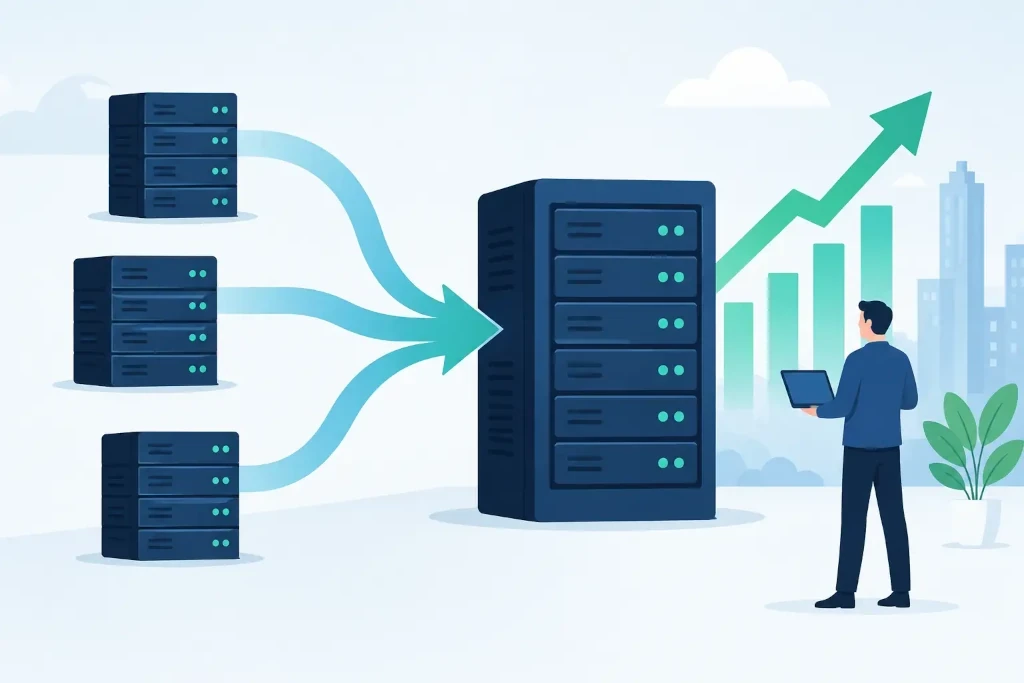
When server consolidation becomes justified
The need for consolidation is usually signaled not by one incident, but by several everyday observations. Servers are maintained for specific historical needs, yet their load is minimal. Some equipment is outdated, its manufacturer support or operating system licenses are expiring. Certain business systems are difficult to update because no one knows exactly what integrations they use.
In such an environment, even a planned change becomes risky. The IT team or external partner spends time not on development, but on manual monitoring, error resolution, and checking unclear dependencies. Meanwhile, company management does not receive a clear answer to simple questions: how much the infrastructure costs, where critical data is stored, and how long the company could operate after a serious disruption.
Consolidation brings the most value to companies that have multiple physical servers with low utilization, separate file, accounting, application, or database servers, as well as infrastructure that has grown as a result of office relocations, mergers, or rapid growth. However, in the case of a small number of servers, the project will not always be financially justified. If one system is stable, isolated, and its maintenance costs are low, the risk of change may exceed the potential benefit.
Start with assessing workloads, not devices
The mistake is to start the project with the question of which physical servers to replace. The correct starting point is the company’s services and their importance to operations. It is necessary to determine which systems support sales, production, customer service, financial accounting, document flow, and data access. For each service, the acceptable downtime and data loss limits need to be defined.
For example, a file archive may allow restoration on the next business day, while the downtime of a warehouse system or a remote access service for even a few hours can cause direct losses. These differences determine what the target environment, backup solution, and disaster recovery scenario should be.
The assessment should gather information on server processor, memory, disk, and network load, but technical metrics alone are not enough. Application licenses, database versions, integrations with third-party solutions, security requirements, and personal data processing conditions are also important. Sometimes an outdated server is effectively maintaining one small but critical integration. This must not be discovered only on the evening of migration.
A full inventory phase usually answers four questions:
- which services are critical and which are outdated or duplicated;
- what the technical and business dependencies between systems are;
- how much capacity is needed for normal operation and growth;
- what recovery objectives must be ensured for each workload.
This work creates a foundation not only for consolidation, but also for a more accurate IT budget, security improvements, and management decisions about systems that are no longer worth maintaining.
Which target infrastructure to choose
The most common consolidation model is a virtualization environment where several isolated virtual machines run on shared, managed hardware. This allows resources to be used more efficiently, new servers to be created faster, and backups to be simplified. However, virtualization by itself does not guarantee continuity. A single host without redundant components may require less administration, but it also concentrates risk.
A company with high availability requirements usually needs at least a two-host environment, shared or replicated storage, regularly tested backups, and a clearly defined recovery procedure. For a smaller organization, a simpler solution with quality backups and quick restoration in another environment may be more appropriate. The right choice depends on the cost of downtime, not just the cost of hardware.
Some workloads can be placed in the public cloud, some kept on premises, or a hybrid model can be chosen. The cloud is often suitable for variable workloads, remote work tools, and services that require geographic availability. Meanwhile, on-premises infrastructure may be justified for specific applications, very large data volumes, or situations where a predictable long-term cost structure is important.
It is important not to treat the cloud as an automatic synonym for consolidation. An unmanaged cloud environment can create just as unclear costs and access risks as an uncontrolled server farm. It also requires architecture, access management, monitoring, backups, and clear allocation of responsibilities.
Migration is a business continuity project
Well-prepared migration starts with sequence, not with technical command execution. First, less critical workloads are usually moved to test the network, authentication, backup functionality, and monitoring. Then systems with greater impact are migrated, each with an approved downtime window, responsible person, and rollback plan.
The rollback plan is especially important. If, after the move, the application does not function as intended, the team must be able to quickly return the service to the previous environment or activate a backup scenario. This requires not only technical reserves, but also timely communication with department heads, users, and external vendors.
After each move, not only server availability should be tested. User access, printing, data exchange, scheduled tasks, integrations, performance, and log entries must be checked. Special attention should be paid to backups - successful creation of a copy does not yet prove that the data will be restorable within the required time. Recovery tests are the only reliable proof.
Costs must be assessed over the entire lifecycle
Consolidation often reduces electricity, cooling, hardware maintenance, and licensing costs. It can also reduce administration time, because updates, monitoring, and backups are managed centrally. However, the financial justification must include not only the new equipment or cloud subscription.
The cost of migration work, licenses, data transfer capacity, backup storage, security tools, warranties, and ongoing management must also be taken into account. In some cases, the biggest benefit is not direct savings, but predictability: fewer unplanned repairs, a clear recovery process, and a more transparent cost model for the next three to five years.
Licensing should be assessed with particular caution. In a consolidated environment, the terms of different manufacturers may change depending on the number of processor cores, the number of hosts, or the method of access. A decision that initially looks cheaper can become expensive if licensing requirements are checked too late.
Management determines the long-term result
After migration, the project is not over. The consolidated environment must be controlled with regular monitoring, capacity review, patch management, and tested disaster recovery exercises. If the new environment is not managed in a disciplined way, after a few years it will again contain unused virtual machines, unclear access rights, and unnecessary costs.
For companies without a broad internal IT team, an external partner can be useful here, combining day-to-day support with architectural oversight. KSK IT’s approach is to view infrastructure as the foundation of business operations: with documented responsibilities, monitorable risks, and a plan that connects technical changes with business priorities.
Good consolidation does not make the infrastructure simple only for the IT specialist. It makes the company more predictable for management - it is clear what maintains the critical services, how they will be restored, and how the infrastructure will adapt to the next stage of growth.
