
AUTHORIZATION
Blog

IT strategy for a small business without unnecessary complexity
In a small company, IT often grows accidentally. At first, one computer, a shared folder, and an outsourced specialist who is called only when something does not work are enough. But the moment the company hires new employees, opens another office, or starts processing more sensitive data, such an approach becomes expensive. This is exactly where an IT strategy for a small business stops being theory and becomes a management tool.
A properly developed strategy is not a thick document for the management shelf. It is a clear agreement on how the company will use technology to reduce downtime, protect data, plan expenses, and support growth. For a small business, this is especially important because every failure in infrastructure, security, or access management affects the business directly - without reserves, without extra resources, and often without an internal IT team.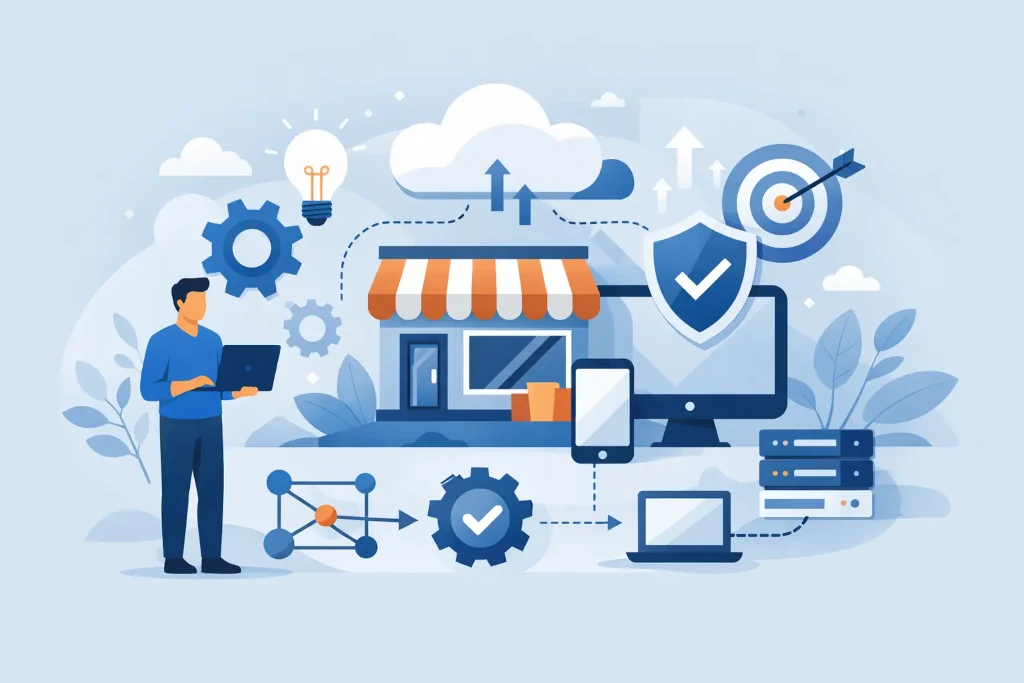
Why an IT strategy for a small business is not just a big company issue
Large companies usually have separate budgets, teams, and processes. A small business is different. One unplanned server outage, a failed data recovery, or an employee account without control can stop sales, accounting, or customer service for hours or days.
That is why the purpose of a strategy is not to make IT more complicated. Its purpose is to set priorities. What is critical for the company? Which processes must not be interrupted? Which systems need higher availability? When is it worth investing, and when is a sensible, controlled minimum enough?
In a small company, a good IT plan is always based on business reality. For a manufacturing company, the most important thing may be uninterrupted access to equipment data and backups. For a professional services company - document security, remote work, and access control. For an e-commerce company - availability, continuity of payment processes, and fast incident resolution.
Where a good IT strategy begins
The first step is not choosing technology. The first step is understanding the company’s operating model. If it is not clear how the company makes money, which processes generate revenue, and where downtime causes the biggest losses, any IT investment will be a guess.
In practice, this means a few basic questions. Which processes are critical every day? Where is the most important data stored? What happens if the internet, email, or file environment is unavailable for several hours? How quickly does the company need to restore operations after an incident? Do employees work only in the office, in a hybrid model, or fully remotely?
The answers to these questions make it possible to build an IT environment that matches business needs rather than random wishes. This also helps avoid a common small business mistake - buying separate tools without a common plan and later paying for integration problems, security risks, and unclear responsibility.
Not all problems must be solved at once
An important principle is sequence. For a small business, it is rarely useful to replace all infrastructure at once, implement a new ERP, migrate to the cloud, and redesign the security policy simultaneously. This approach creates both cost pressure and operational risk.
It is much safer to divide the strategy into phases. First, stability and visibility - inventory, access management, backups, basic security, support process. Then efficiency - standardization, cloud services, device replacement plan, automation. Only after that, larger transformation projects, if they have a clear business justification.
Key blocks that should be included in an IT strategy
Without a few core blocks, an IT strategy for a small business remains incomplete. The first is infrastructure. The company must know what devices, systems, and services it has, who is responsible for them, and what their life cycle is. Without this visibility, it is impossible to properly plan either the budget or the risks.
The second block is cybersecurity. Small businesses often assume that attackers are only interested in large players. In reality, smaller companies are often an easier target - weaker passwords, uncontrolled access, outdated devices, and untested backups. A security strategy should cover not only antivirus, but also multi-factor authentication, access right reviews, update management, and a clear response in case of an incident.
The third block is continuity. Backups are not the same as a business recovery plan. The company must know exactly what to restore first, in what time frame, and with what amount of available resources. If files can theoretically be restored, but operations realistically resume only after three days, that may be unacceptable.
The fourth block is user support and governance. In a small team, problems spread quickly - one incorrectly configured computer, one unreviewed access level, or one untrained employee can trigger a chain of other incidents. That is why the strategy must include not only the technical environment, but also the process for how users receive help, how changes are tracked, and how new employees are onboarded or departures are handled.
Budget: not minimal, but more predictable
Many small businesses view IT as an expense item that must be reduced. That is understandable, but in practice the cheapest option often becomes the most expensive. Irregular support, outdated equipment, and unplanned emergency work create not only direct costs but also lost working time and reputational risk.
A good strategic model shifts IT from unpredictable incident spending to planned management. That does not mean overpaying for technologies the company does not need. It means clearly knowing where to invest now and what can be postponed with controlled risk.
For example, not every company needs a complex hybrid infrastructure. For some, well-managed cloud services and standardized workstations are fully sufficient. For others, especially those with specific business systems or regulatory requirements, local infrastructure remains justified. The right choice is not universal - it depends on process criticality, availability requirements, and security risk.
When outsourcing makes more sense than an internal team
In a small business, a full internal IT team is often not economically justified. But that does not mean the company should settle for a reactive approach, where a specialist is called only when a problem occurs. The most dangerous model is precisely this in-between state - without strategic oversight, without documentation, and without clear responsibility.
An outsourcing partner is valuable when it can provide not only support, but also governance. This includes infrastructure visibility, security control, backup monitoring, change management, and a long-term development plan. In other words, not just fixing things when they break, but helping prevent critical mistakes in advance.
This is also where many companies benefit from an external IT management function. You do not need a full-time CIO to have clear technology priorities, budget discipline, and management-level visibility into risks. KSK IT works in such cases as an external technology partner that combines day-to-day support with strategic oversight.
What a practical IT strategy for a small business looks like
A practical strategy is not hundreds of pages long. It usually includes an assessment of the current environment, a list of key risks, the priority of critical systems, security and continuity requirements, a 12 to 24 month investment plan, and a responsibility model.
It is also important to define measurements. How quickly are incidents resolved? How often are backups tested? How many devices are out of support period? Do all critical accounts have multi-factor authentication? If the strategy cannot be evaluated against specific indicators, it remains declarative.
At the same time, there is no need to turn everything into excessive formality. In a small business, overly complex processes are often not followed. Better fewer rules, but ones that actually work. Better a clear backup test once a quarter than a perfect but unused disaster recovery document.
Most common mistakes
The most common mistake is confusing IT strategy with a shopping list. If the plan consists only of licenses, computers, and subscription fees, it does not answer the most important question - how these investments protect and support the company’s operations.
The second mistake is postponing organization until the company grows. Usually, the opposite happens: the longer the environment grows without governance, the more expensive and risky it is to organize later. The third mistake is relying on the assumption that backups are fine because they are being created “somewhere.” If recovery has not been tested, security has not been proven.
Another mistake is not involving management. IT strategy is not only a technical issue. It affects risk tolerance, investment priorities, employee work models, and customer trust. If management does not participate, decisions are often made too narrowly.
The best IT strategy for a small business is not the one that looks impressive in a presentation. It is the one that allows the team to work without unnecessary interruptions, helps management understand risks, and lets the business grow without chaotic technology crises. If IT in your company is only addressed when something stops working, that is a good time to start managing it consciously.
