
AUTHORIZATION
Blog

Fortinet firewall for enterprise network and security
It only takes one compromised user account, one unmonitored remote connection, or one infected laptop for an incident to have consequences beyond the IT department. Order processing can stop, the accounting system can become unavailable, or customer data can be put at risk. Fortinet firewall for the corporate network is a solution that helps control this risk at the edge of the company’s digital infrastructure, but its value is realized only if it is properly selected, configured, and continuously managed.
In a small or medium-sized business, a firewall is often seen as a mandatory network device for internet access. In fact, it is one of the most important control points for business continuity. It determines who may access company resources, what data flow is permitted, and where suspicious activity can be detected in time.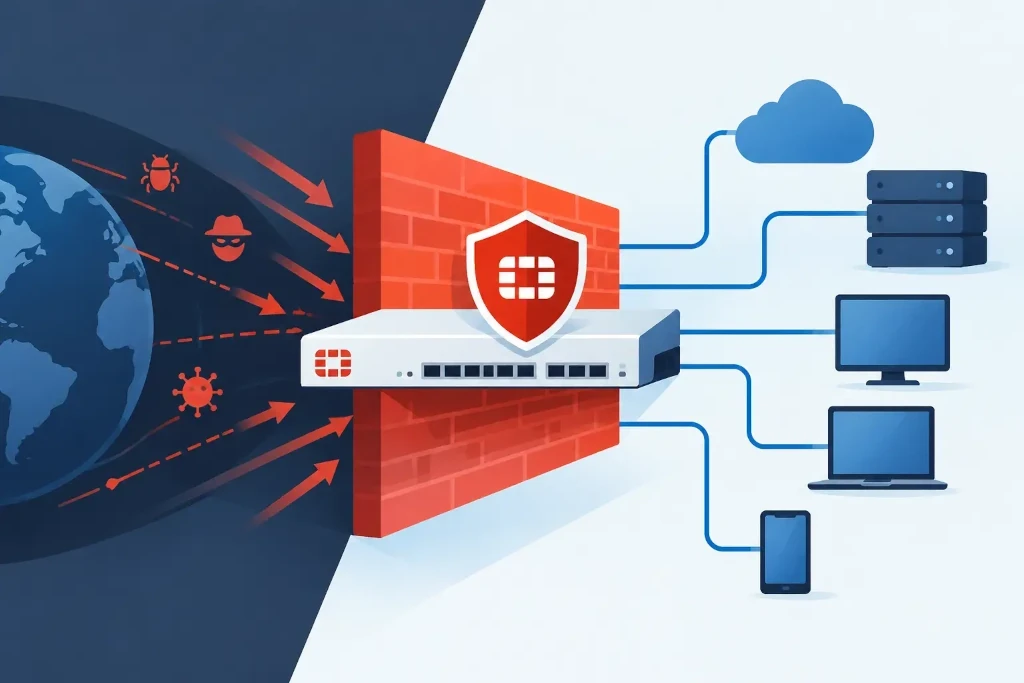
When a Fortinet firewall for the corporate network becomes necessary
Every company needs network protection, but the requirements change significantly as the infrastructure grows. In one office with a few employees, basic rules are enough, whereas a company with multiple locations, cloud services, remote work, and guest Wi‑Fi needs centralized visibility and a consistent policy.
Fortinet devices are suitable in situations where multiple security functions need to be combined into one manageable platform. They can filter network traffic, inspect applications, restrict access to dangerous websites, create secure VPN connections, and detect known attack types. This reduces the number of separate tools, but it does not eliminate the need to make the right architectural decisions.
Such a solution becomes especially important if the company processes clients’ personal data, uses remote access to ERP or file systems, operates warehouse and production equipment on the network, or expands into a new office. In these cases, the question is not only protection against external threats. It must also be possible to limit the spread of an incident within the company.
What a firewall does for business continuity
A modern firewall is not just a simple “allow” or “block” rule for a specific port. It analyzes traffic in a broader context - where it comes from, where it is going, which application is using it, and whether there are signs indicating malicious activity.
In practice, this helps reduce several common risks. For example, unauthorized remote access attempts can be blocked, communication with known harmful resources can be denied, and the use of unnecessary applications on the work network can be limited. If a harmful file reaches an employee’s device, properly configured network control can stop its connection to the attacker’s infrastructure before the incident turns into a broader outage.
However, it is important to be precise: a firewall is not complete protection against phishing, weak passwords, or unpatched workstations. It is an essential layer in an overall security model that includes multi-factor authentication, regular updates, endpoint protection, backups, and user training.
The right capacity matters more than the lowest price
When choosing a model, a common mistake is to focus only on internet connection speed. A device may deliver high throughput in simple traffic, but performance drops when encrypted traffic inspection, antivirus control, intrusion prevention, and web filtering are enabled.
Therefore, planning should consider not only today’s number of users. It should take into account projected employee growth, simultaneous VPN connections, use of cloud services, VoIP telephony, inter-office connections, and guest network load. An undersized device creates delays and encourages security features to be turned off. An oversized solution may not be economically justified if there is no clear development plan.
The assessment usually needs to answer four questions:
- How many users and devices will be on the network over the next three years?
- Which systems are critical for daily operations and where are they located?
- How many employees connect remotely and what access rights do they need?
- Does the company require high availability so that a single device failure does not stop work?
The last question is essential for companies that cannot afford even a short internet or access outage. In such a case, it is worth considering a pair of firewalls operating together, a backup internet connection, and a tested incident response process. The device itself does not create resilience - the architecture and regular testing do.
Network segmentation reduces the scope of an incident
If office computers, servers, guest Wi‑Fi, video surveillance, printers, and production equipment are all on one network, a compromised device can become a path to other resources. Segmentation divides the environment into logical zones and determines which of them may communicate with each other.
For example, guest Wi‑Fi does not need access to the accounting system. A printer does not need a connection to the server except for specific print services. Warehouse terminals may need access to one application, not the entire office network. A Fortinet firewall allows such policies to be managed centrally, but the rules must be based on real business processes.
Excessively complex segmentation can create support issues and disrupt work. Therefore, the starting point is not the number of technical zones, but the question: which users, devices, and systems really need to exchange data? This approach improves security and simultaneously makes the infrastructure more transparent for audits.
Remote access requires clear control
VPN remains an important solution for companies whose employees or external partners connect to internal resources. However, broad access to “the entire network” is a risk, especially when the connection is made from a home computer, hotel network, or unmanaged device.
Access should be tied to the user’s identity, multi-factor authentication, and specific job duties. A finance specialist, an outsourced accountant, and a system administrator do not need the same level of access. Access logs are also important - not only for incident investigation, but also for regular review of whether the rights of former employees and partners have been removed in time.
Configuration and monitoring determine the result
Even a high-quality firewall can create a false sense of security if it is installed with default settings and then forgotten. Software updates, security signatures, license status, configuration backups, and event logs are part of regular management.
Special attention should be paid to rules that have gradually become too broad. Often temporary access is left permanently in place because the original reason is no longer documented. Regular policy reviews help remove unnecessary exceptions, preserve the change history, and reduce the chance of errors.
A managed approach is justified if the company does not have a security specialist who can analyze alerts and maintain the configuration. In such a situation, KSK IT can provide not only deployment, but also transparent monitoring, change control, and risk assessment in line with the company’s operational priorities.
Start implementation with risks, not with the device
Before purchasing, it is useful to map the current environment: internet connections, critical systems, remote access scenarios, network segments, and dependencies on cloud services. This helps determine which functions must be enabled on day one and where a gradual rollout is needed so as not to disrupt business processes.
After installation, it is necessary to test not only whether users can access the internet. VPN operation, failover switching, availability of critical applications, log retention, and configuration restoration should also be tested. These tests are part of the company’s readiness for an incident, not a formal technical procedure.
A security solution is valuable when it gives management control over risk, not just another device in the server cabinet. Start with the question of which business process the company cannot afford to lose, and build network protection directly around that priority.
