
AUTHORIZATION
Blog

Cloud servers or local servers for a company?
A manufacturing company cannot afford for access to the order system to disappear in the middle of the workday. An accounting firm must be able to restore client data even after a ransomware attack. Meanwhile, a growing service company needs its IT environment to scale without a multi-month hardware procurement cycle. That is why the question cloud servers or local servers is not just a technical decision. It affects business continuity, risk level, budget structure, and management’s ability to plan growth.
The right answer is rarely universal. For some companies, a fully cloud-based solution provides the necessary flexibility and security level. For others, local infrastructure is justified by regulated data, specific equipment, or a stable, predictable workload. Often the most rational solution is a hybrid environment, where each system is located where it makes the best business sense.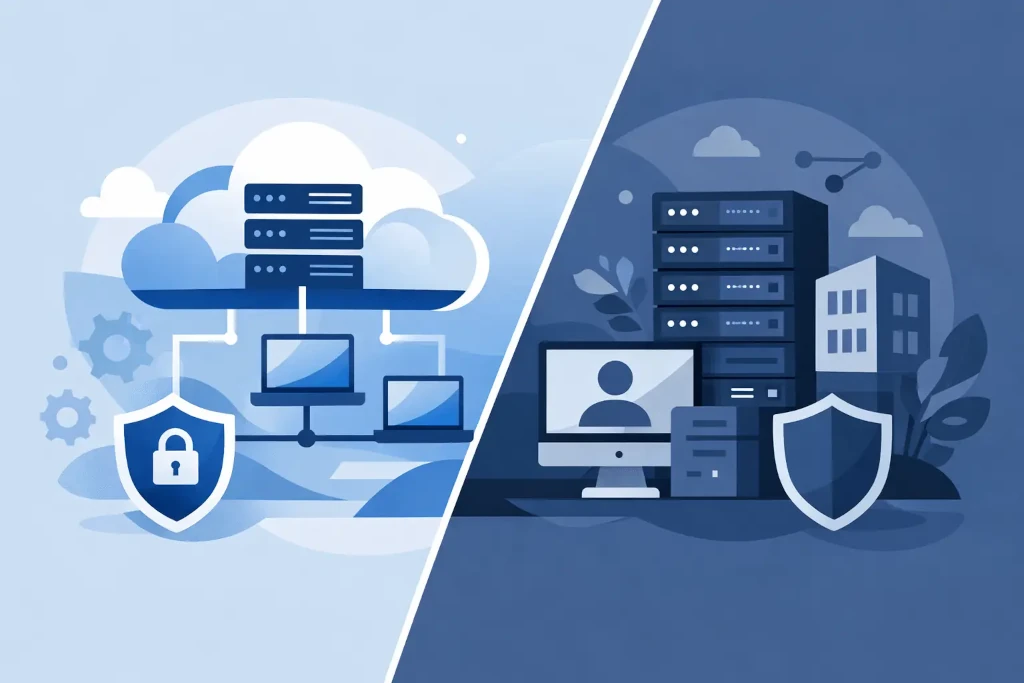
Cloud servers or local servers: what is actually being compared?
A cloud server is a computing resource in a data center that a company uses remotely. Its capacity, storage, and availability are provided by a cloud service provider or a managed IT partner. The company does not need to maintain a physical server room, replace components, or plan hardware replacement every few years.
A local server is located in the company’s office, factory, or another company-managed site. The organization purchases the hardware, takes care of power supply, cooling, network connections, physical security, backups, and technical maintenance. This gives greater direct control, but also places more responsibility on the company.
When comparing the two, the question should not be limited to where the data is physically located. What matters more is understanding how a particular environment helps achieve four business goals: keep operations running without downtime, protect information, control costs, and respond to change.
When a cloud server is a justified choice
The cloud is usually suitable for companies with changing workloads, remote teams, or rapid growth plans. Adding new employees, allocating additional disk space, or increasing resources can happen much faster than buying and installing local hardware.
Financially, a cloud solution converts part of the capital expenditure into regular operating expenses. Instead of immediately buying a server, backup power supplies, a firewall, and storage with capacity reserves for several years, the company pays for the amount of service used or reserved. For management, this often means clearer cash flow planning.
The cloud also improves geographic resilience. If the main office is unavailable due to power outages, fire, or physical access issues, employees can continue working from another location as long as there is an internet connection and thoughtful access management. However, a cloud server by itself does not guarantee continuity. A backup policy, multi-factor authentication, user access control, and regular recovery tests are required.
An important benefit is also the standard security options that would be expensive for a small or medium-sized company to build on its own. Large data centers provide physical security, backup power, cooling, and infrastructure monitoring. However, responsibility for data classification, user accounts, configuration, and access rights remains on the company’s side. A poorly configured cloud solution can cause an incident just as serious as an unprotected local server.
Cloud risks that must be included in the budget
Cloud service costs are not automatically lower. They can rise if resources are allocated without oversight, data storage is not optimized, or data transfer and licensing costs are ignored. Systems with large data volumes, continuous file exchange, or specialized applications should be evaluated especially carefully.
Dependency on the internet connection and the service provider must also be taken into account. Critical systems require two independent internet connections, documented incident escalation, and clear agreements on availability. If the company cannot tolerate even a brief delay, the location of the data center and the application’s performance under real load conditions must be assessed.
When local servers retain an advantage
Local infrastructure is still a logical choice if a company requires very low latency between systems and equipment. Production line control, industrial equipment, local data collection systems, and some specialized business applications can operate more reliably when the main resources are on-site.
For companies with a large, stable computing workload, a local server can also be economically advantageous over a longer period. If the hardware is carefully sized and professionally maintained, its costs are relatively predictable. That does not mean, however, that the purchase price of the server is the only budget item.
A complete calculation should include electricity, cooling, warranty extensions, spare components, licenses, cybersecurity solutions, backups, off-site storage, and specialist time. Hardware replacement should also be planned for hardware replacement, usually after five to seven years, depending on workload and the manufacturer’s support terms.
Control does not mean lower risk
A common argument in favor of local servers is full control over the data. But control is only valuable if the company has the resources to implement it. A server in a locked office room is not automatically safer than a data center. A single power line, insufficient cooling, outdated updates, or backups in the same building create a significant operational risk.
The local environment must be managed with the same discipline as a cloud service. That means documented infrastructure, 24/7 monitoring, regular patching, access reviews, and a tested disaster recovery plan. If these processes are not in place, apparent control turns into concentrated risk.
Hybrid infrastructure is often the most pragmatic choice
In many companies, it makes no sense to move everything to the cloud or, conversely, keep everything in the office server room. A hybrid approach allows systems that require speed or connection to specific equipment to be kept locally, while backups, email, collaboration tools, remote access, and disaster recovery environments are placed in the cloud.
For example, a factory may use a local server for the operational system so that work continues even during short internet disruptions. At the same time, the company’s financial data, document collaboration environment, and encrypted backups can be located in an external data center. This architecture reduces the risk of a single point of failure and allows investments to be spread out gradually.
A hybrid environment requires a clear governance model. It must be known where each type of data is stored, who is responsible for access rights, how incidents are monitored, and how quickly a given system can be restored. Without this visibility, a hybrid solution can become a complicated compromise rather than a strategic advantage.
The decision is determined not by technology fashion, but by risk tolerance
Before making a choice, management should answer practical questions. How many hours can the company operate without the main system? How much data may be lost in the event of an incident? Do employees and customers need secure access from different countries? Does the five-year cost model include not only hardware, but also maintenance, security, and recovery?
These answers shape the requirements for recovery time and acceptable data loss. It is precisely from these requirements that the infrastructure architecture should follow, not from the assumption that the cloud is always more modern or that a local server always provides greater control.
KSK IT’s approach to such an assessment begins with mapping the business-critical processes and existing risks. Once the importance of the systems, data flows, and recovery requirements are understood, it is possible to make a justified decision about the share of cloud, local, or hybrid infrastructure.
At the next infrastructure discussion, do not start with the question of where to place the server. Start with the question of what happens to the company’s operations, customer trust, and financial results if this server is unavailable. That is where the decision comes from that can be defended both in the IT team and in the management meeting.
