
AUTHORIZATION
Blog

7 principles for a backup policy in a company
Copying files once a week to an external drive may seem sufficient until an accounting database is deleted, shared files are encrypted, or a critical business system stops working. Then the question is no longer whether the company has backups. The question is whether the backup policy allows the company to restore operations quickly enough and with acceptable data loss.
For small and medium-sized businesses, downtime often causes not only direct financial losses. It halts order processing, delays customer service, complicates payroll and invoicing, and can also create contractual and reputational consequences. A clear policy turns backups from a technical task into a manageable continuity process.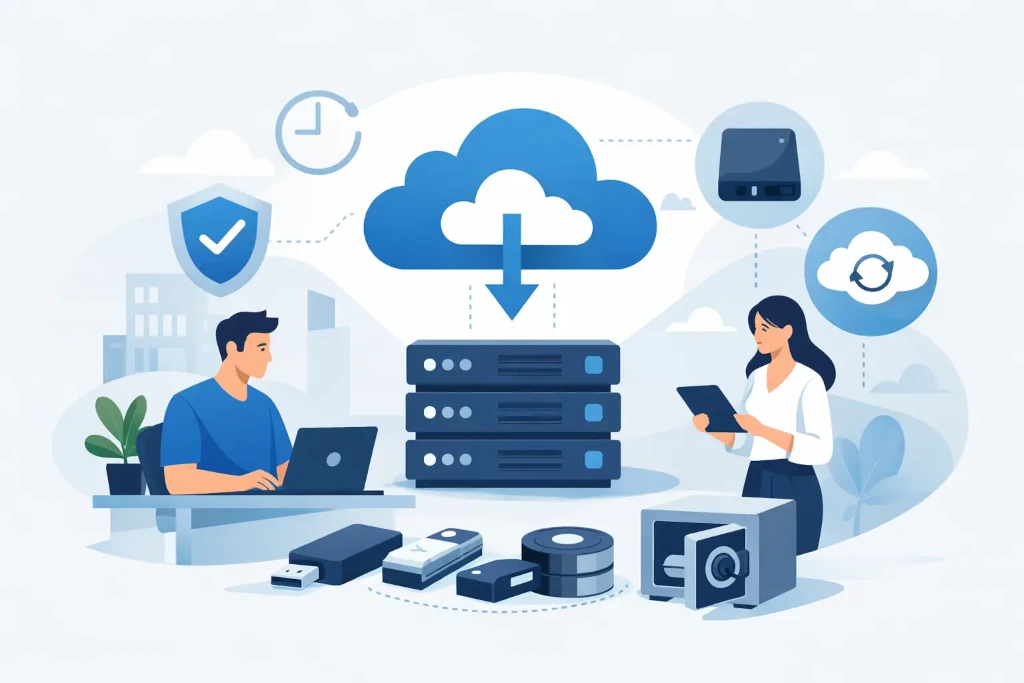
What a backup policy determines for a company
A backup policy is not just an instruction for an IT specialist about when to run the copy job. It defines the company’s decisions about data value, acceptable risk, and responsibility during an incident. A good policy precisely defines which data and systems are protected, how often copies are made, how long they are retained, and how restoration is tested.
It should also provide a clear answer to practical management questions: how long can the company operate without access to the ERP system, email, or document storage? How much data may be lost? Who may initiate a restore, and who confirms that the restored information is correct?
Without these answers, technically successful copying may not solve the business problem. For example, a copy made once at night may be acceptable for archive documents, but unsuitable for a warehouse or production system where data changes throughout the day.
Start with system and data criticality
A single approach for all data usually means either overspending or insufficient protection. It is more effective to divide information by its importance to the business. The critical group usually includes financial records, customer and order information, production or warehouse systems, contracts, project documentation, and identity management data.
The second group may include working files, historical correspondence, and systems whose temporary unavailability causes inconvenience but does not stop core operations. Meanwhile, some information may be archive data with a longer retention period but lower requirements for rapid restoration.
This division should be created together with process owners, not just the IT team. The finance manager knows best how long it is acceptable to be without access to the accounting system. The operations manager can assess which applications stop deliveries. The IT function’s task is to turn these business requirements into a technical solution.
RPO and RTO - two indicators that define priorities
It is worth using two specific indicators in the policy. RPO, or Recovery Point Objective, defines the maximum acceptable period of data loss. If the RPO is four hours, the company accepts that in an incident it may lose up to four hours of the latest changes.
RTO, or Recovery Time Objective, defines how quickly the system must be back in operation. If the order system’s RTO is two hours, it is not enough to promise to restore it “as soon as possible.” There must be infrastructure, access, responsible personnel, and a tested procedure that makes this timeframe realistic.
The shorter the RPO and RTO, the higher the costs usually are. Therefore, the goals must be proportionate to each system’s impact on revenue, customer obligations, and regulatory requirements.
One copy in one place is not enough
The classic 3-2-1 principle is still a good foundation: at least three data copies, on two different media, and one copy outside the primary environment. Today, companies need to look further - the copy outside the primary environment must also be protected against ransomware, accidental deletion, and compromised administrator accounts.
If backups are located in the same network with the same administrator access rights, an attacker may try to delete or encrypt them as well. That is why the policy should include immutable copies, separation of access rights, multi-factor authentication, and separate backup administration.
The cloud itself is not a backup. Many cloud services provide availability within their own infrastructure, but that does not always protect against user error, incorrect synchronization, or malicious data deletion. The specific service terms should be reviewed rather than assuming the provider automatically solves all recovery scenarios.
Security and data retention periods
Backups often contain the company’s full information set - personal data, financial documents, passwords, configurations, and trade secrets. Therefore, they should be subject to the same or even stricter security requirements than the working environment. This means encryption during transfer and storage, access logging, and regular review of permissions.
Retention periods should be set in line with business, legal, and industry requirements. A short retention period may leave no sufficiently old, clean copy if malware remains unnoticed in the system for several weeks. Excessively long retention, on the other hand, increases costs and data management risk.
A practical approach is to keep frequent short-term copies for operational recovery, less frequent long-term copies for archives, and separate rules for critical periods such as annual reports or major projects. The policy should also specify a secure deletion procedure for copies after the retention period ends.
A restore test is more important than a successful copy report
A green checkmark in the backup system panel confirms that the copy job has completed. It does not confirm that the data is usable and that the application will work after restoration. Corrupted files, incomplete database copies, missing dependencies, or incorrect access rights may only become apparent at the moment of restoration.
The policy should provide for regular tests at different levels. In daily operations, you can check the status and errors of copy jobs. Periodically, individual files, folders, and databases should be restored. At least for a defined set of critical systems, a full scenario test should be carried out - for example, restoration in an isolated environment with user validation.
The test result must be recorded: what was restored, how long it took, whether RPO and RTO were achieved, what problems were identified, and who must resolve the deficiencies. These records are also valuable in audits, insurance claims, and customer security assessments.
Assign responsibility before an incident
Even a well-configured solution creates risk if it is unclear who is responsible for it. The policy should identify system owners, the technical operator, the access rights manager, and the decision-maker during an incident. It is especially important to define who may request a large-scale restore and how the authenticity of such a request is verified.
If the service is provided by an external IT partner, the contractual arrangements should reflect the management boundaries. It must be clear who monitors backup creation, how errors are escalated, what the response times are, and how restore tests are carried out. KSK IT helps in such situations connect technical implementation with the company’s continuity requirements, so that the solution is not just a matter of licenses and storage capacity.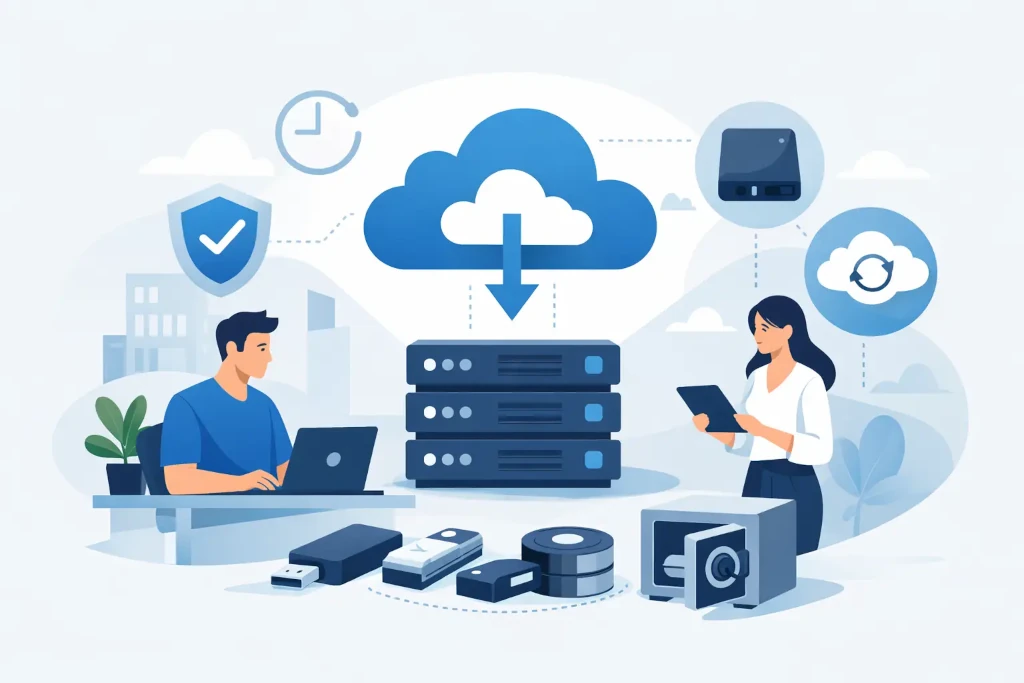
How to implement the policy without unnecessary complexity
Start with an audit of the current situation: find out where the data is stored, what is already being backed up, which jobs regularly end in error, and whether critical systems can be restored. Then confirm system priorities, RPO, and RTO together with management and process owners.
The next step is to document the chosen architecture, retention periods, security requirements, and responsibilities. The document does not need to be lengthy, but it must be specific enough so that no fundamental decisions have to be made again during an incident. Finally, schedule tests and regular policy reviews - especially after a new system implementation, company acquisition, office relocation, or major changes in the cloud environment.
A backup policy is valuable when it reflects how the company actually works and is tested regularly. The first restoration test often reveals more than months of discussion about theoretical protection.
