
AUTHORIZATION
Blog

How to reduce incident-induced downtime in a company
On Monday morning, the accounting system is down, the warehouse cannot confirm orders, and customer service switches to notes on a phone. At times like this, the question of how to reduce incident-caused downtime is no longer just an IT department task. It directly affects revenue, customer trust, employee productivity, and management’s ability to make timely decisions.
Downtime rarely happens only because of one faulty server or internet connection. More often it is a combination of several shortcomings: system priority is not known, responsibilities are unclear, backups have not been tested, and the incident is only noticed when employees start calling IT support. An effective approach starts with understanding business processes and ends with a managed, regularly tested recovery capability.
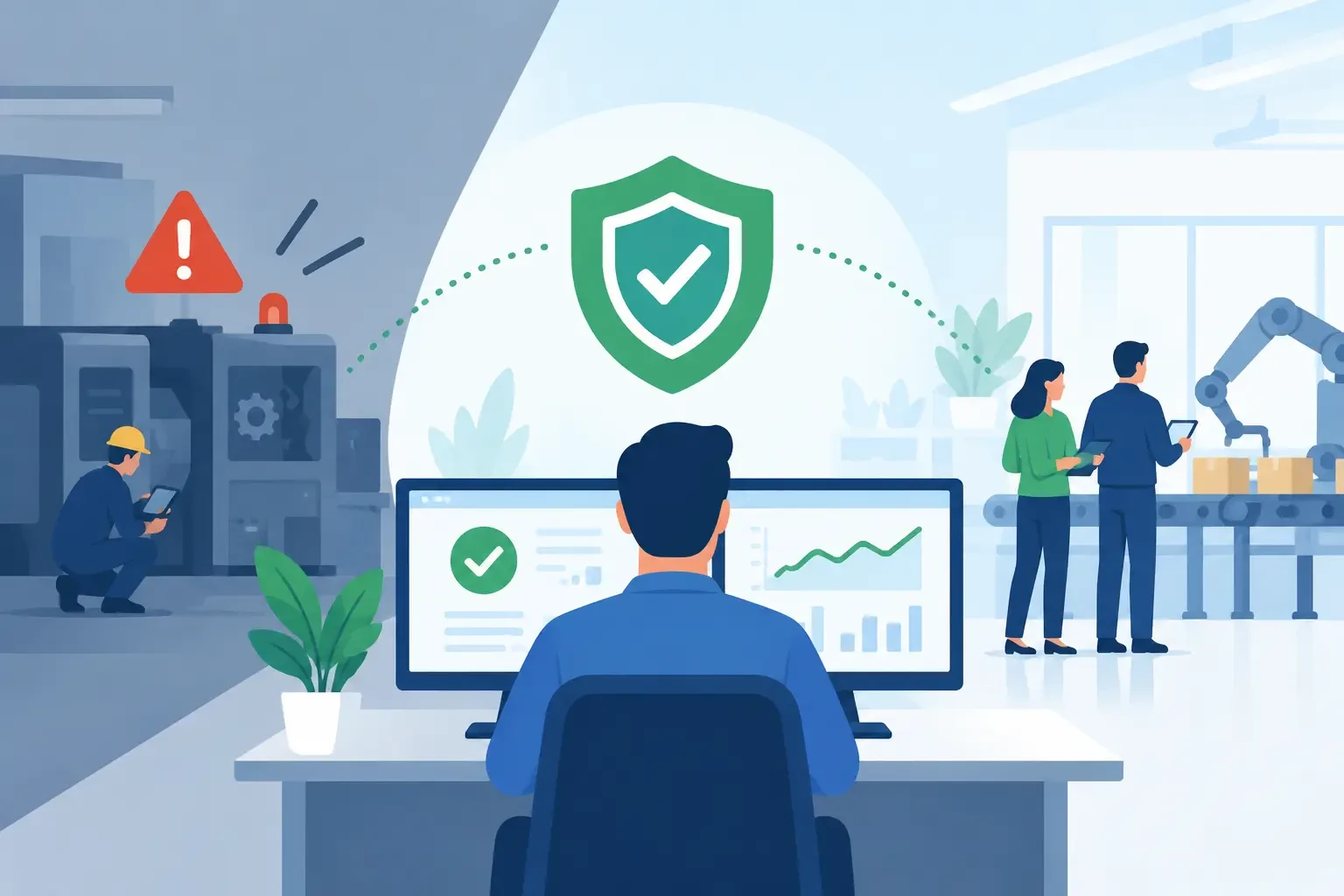
How to reduce incident-caused downtime: start with business impact
Not all systems are equally important. Email being unavailable for 20 minutes may be inconvenient, but an outage of production tracking, payments, customer service, or warehouse systems can stop the entire company’s work. Therefore, the first task is not to choose a tool, but to determine which technologies support critical processes.
Management, together with the IT partner, must be able to answer three questions: what happens if a specific system is unavailable; how long can the company continue working without it; and how much data loss would be acceptable. These answers determine recovery objectives, not the other way around.
In practice, two metrics are usually defined. The recovery time objective determines how quickly the service must be restored. The recovery point objective determines how much data the company may lose. For example, if no more than 15 minutes of data loss is acceptable for an order system, one nightly backup will not be enough, even if it is technically successful.
An economic decision must also be made here. Very short recovery times require more expensive infrastructure, redundancy, and continuous monitoring. That is not justified for every system. The goal is to invest in protection according to business risk, not to protect the entire IT environment equally.
Early detection reduces the cost of an incident
The longer an incident goes unnoticed, the larger it becomes. A full disk, slow database, expired certificate, or unstable network connection often show warning signs before work stops. If no one reacts to them, a small technical issue turns into an operational incident.
Monitoring should cover not only server availability. It is also important for the company to see backup status, internet connectivity, firewalls, cloud service authentication, disk space, system performance, and the operation of critical applications. Alerts should be routed to the responsible specialist with a clear escalation procedure, rather than accumulated in a report that no one reads.
Good monitoring reduces the number of false alarms. If a team receives dozens of insignificant notifications every day, a truly critical alert can go unnoticed. Therefore thresholds, priorities, and responsibilities must be reviewed regularly, especially after infrastructure or workflow changes.
Incident management must not start with improvisation
During an incident, people need a sequence of actions, not lengthy technical documentation. A clear incident management process helps resolve two things in parallel: restoring the service and maintaining understandable communication within the company.
The process should define who decides the incident priority, who coordinates the technical remediation, and who informs management, employees, or customers. This is especially important when multiple vendors are involved - for example, an internet provider, software maintainer, cloud service provider, and external IT partner. Without a single coordination point, teams often waste time figuring out who is responsible.
Communication should be brief and fact-based. Management does not need every technical log entry, but it should know the affected processes, the current status, the estimated restoration time, and the next update. Employees, in turn, should receive practical instructions: whether an alternative way of working is available, how to register orders, and where to turn with questions.
Backups are valuable only if they can be restored
Many companies make backups regularly, but have not verified whether they can restore the full working environment within the required timeframe. A file copy that is on the same server or accessible with the same administrator accounts affected by ransomware is not sufficient protection.
A backup strategy should include copies in multiple locations, a separate or immutable copy, access control, and regular restoration testing. Not just one file should be restored, but the entire system, database, configuration, and user access. This is exactly the kind of test that shows the real recovery time.
Cloud service by itself does not mean that data is automatically protected against accidental deletion, malicious access, or incorrect configuration. Responsibilities must be clearly divided: the service provider ensures availability of its platform, while the company often remains responsible for the protection of its data, access rights, and recovery requirements.
Reduce single points of failure
The risk of downtime increases when one component can stop a critical process. This could be one internet connection, one firewall, one server, one administrator with unique access rights, or one software license whose expiration no one is tracking.
Not every failure point needs to be eliminated with complete infrastructure redundancy. Sometimes a backup internet connection, a configuration copy, a documented access procedure, or timely license renewal control is enough. In other situations, such as production or customer transaction systems, a high-availability environment or rapid failover to backup infrastructure may be justified.
The cybersecurity aspect is also important. Many serious incidents begin with a compromised user account, outdated software, or uncontrolled administrator access. Multi-factor authentication, regular updates, a segmented network, and the principle of least privilege reduce the chance that one incident will stop the entire company.
Turn experience into improvement after an incident
Restoring the service is only half the job. After a major incident, a structured analysis should be carried out while the facts are still available. The goal is not to find someone to blame, but to identify the cause, the quality of decision-making, communication gaps, and preventive measures.
In the analysis, it is worth recording the incident timeline, the impact on the business, the method of detection, the time spent on recovery, and the actions that would prevent recurrence. If the problem was caused by an unmonitored license expiration, the solution is not just to renew the license. Control must be introduced to detect such a risk in time.
This process is effective only if an owner, deadline, and priority are assigned to the improvements. Otherwise, post-incident conclusions remain in a document, but the next incident repeats the same scenario.
A managed approach gives management control
For small and medium-sized businesses, it is usually not cost-effective to maintain a large in-house team of specialists who continuously monitor infrastructure, test recovery, and coordinate incidents. But this does not eliminate the need for these functions. They can be provided by a managed IT partner that combines daily support with strategic infrastructure oversight.
KSK IT’s approach in such a situation is to create a transparent environment: understand critical processes, organize documentation, implement monitoring, test backups, and maintain a clear escalation procedure. For management, this means not only faster response during an incident, but also a clearer picture of risks before they turn into downtime.
The best time to test a company’s readiness is not when the system has already stopped. Choose one critical process, simulate its unavailability, and honestly assess how quickly your team could get back to work. This one exercise often shows where investment will have the greatest continuity effect.
