
AUTHORIZATION
Blog

How to properly document a company's IT systems
When a critical system stops working, a company does not need another guess about where the data is stored or who has access to the admin account. It needs reliable information. That is why the question of how to document a company’s IT systems is not just a technical task - it is a business continuity, security, and governance requirement.
In a small or medium-sized enterprise, IT knowledge often concentrates in one person, an external supplier, or even a former employee. As long as everything works, this risk may remain unnoticed. But a server failure, cybersecurity incident, audit, office relocation, or company acquisition quickly exposes documentation gaps. Good documentation reduces recovery time, prevents unnecessary costs, and enables decisions based on facts.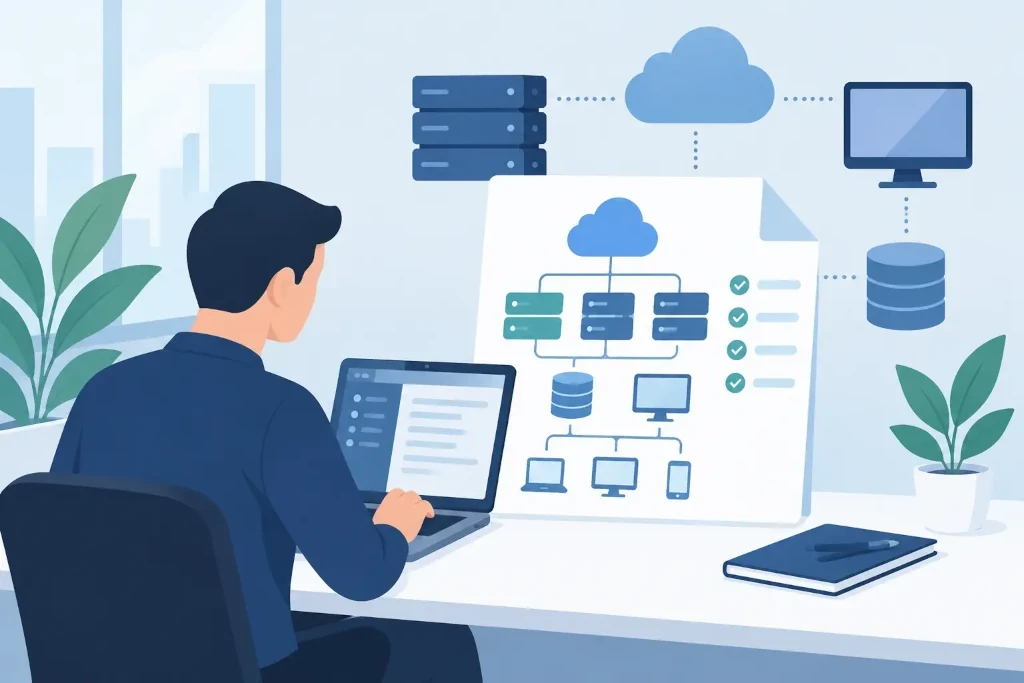
Start with business criticality, not with an equipment list
A common mistake is to begin by inventorying all computers, printers, and license numbers. That is also necessary, but by itself it does not explain what is most important to the business. First, link documentation to processes: how customers are served, payments are made, orders are processed, production is maintained, or contracts are stored.
Identify the systems whose disruption would cause direct financial or reputational loss. For example, accounting software may be critical at month-end, while the customer management system is critical every day. This distinction should be reflected in the documentation: how quickly the system must be restored, how much data may be lost, and which business manager makes decisions during an incident.
This is where documentation becomes the basis for a disaster recovery plan. If you cannot clearly name priorities, backup and recovery procedures may also be designed incorrectly.
How to document company IT systems by layers
Clear documentation is not one large file that nobody opens. It is a set of interconnected information that answers specific operational questions. In practice, it is recommended to build it in several layers.
1. IT environment overview for management
The first layer is a short, understandable overview of the company’s IT environment. Indicate the main business systems, the infrastructure model - on-premises, cloud, or hybrid -, the main risks, responsible persons, and suppliers. This document does not need to include the specification of every network port. Its purpose is to help management understand what the company depends on and where investments are needed.
The overview should also include owners. Each important solution needs a business owner who defines the need and priority, and a technical owner who maintains the solution. If both responsibilities remain undefined, problems are often resolved too late.
2. Infrastructure and asset register
The next layer is a precise asset inventory. It should include servers, workstations, mobile devices, network equipment, firewalls, wireless access points, printers, and critical peripherals. For each asset, at minimum indicate location, model, serial number, warranty status, responsible user or department, operating system, and maintenance status.
Cloud services should be registered with the same seriousness as physical equipment. Often the company’s most important data resides on software-as-a-service platforms, file storage services, or virtual servers. Document the account owner, billing contact, subscription term, data storage region, and integrations with other systems.
The asset register helps not only during incidents. It makes it possible to plan replacements, control licenses, prepare budgets, and reduce the risk of outdated or unmanaged devices remaining in the company.
3. Network and systems architecture
The technical team needs an up-to-date network diagram: internet connections, firewalls, VLAN segments, VPN, Wi-Fi networks, servers, cloud connections, and remote office links. The diagram should be detailed enough for a qualified specialist to begin diagnosis without spending hours investigating.
Alongside the diagram, document interdependencies between systems. For example, a customer portal may depend on identity management, a database, email notifications, and an external payment service. Changing one component can affect the entire chain. Such dependencies are especially important in change planning and post-incident analysis.
The diagram must not become a security risk. It may show addressing principles and connections between systems, but passwords, recovery codes, and full administrator access details should be stored separately in an encrypted password manager with access logs.
4. Access, security, and recovery documentation
Access documentation should answer three questions: who has access, why it is needed, and how it is reviewed. Record administrator accounts, privileged roles, shared accounts, the multifactor authentication method, and external supplier access conditions. Shared admin accounts are acceptable only in exceptional situations, because they make accountability difficult to determine.
Describe backups and recovery separately. It is not enough to note that backups are made every night. You need to know which data is copied, how long copies are retained, whether they are isolated from the primary environment, who monitors errors, and when a real restore test was last performed.
Also document the incident response procedure: whom to notify, how to preserve evidence, how to isolate a compromised device, and who communicates with customers or partners. Such a plan does not guarantee that an incident will not happen, but it significantly reduces chaos in the first critical hours.
Choose a storage location that is secure and practically accessible
Documentation accessible only on one employee’s computer or in email correspondence is not documentation - it is a personal collection of notes. Use a centralized solution with roles, version history, auditable access, and backups. The choice may be a documentation platform, knowledge base, or managed document environment. More important than the name of the tool is the process.
Day-to-day technical information should be separated from especially sensitive data. For example, system descriptions and procedures may be available to the IT team, while emergency access data should be limited to a restricted group of authorized persons. At the same time, you should plan how to access critical information if the main identity system or office is unavailable.
Introduce a maintenance rhythm, not a one-time project
Documentation becomes outdated faster than companies usually assume. A new cloud service, an employee leaving, a firewall replacement, or a move to another office can make several sections obsolete. Therefore, every significant change should have a completion criterion: technical work is not finished until the documentation has been updated.
Also establish regular reviews. For critical systems and accesses, this is usually done quarterly, while a fuller infrastructure and recovery review is performed at least once a year. During the review, not only are entries corrected, but the documented procedure is also tested to ensure it actually works in practice.
Special attention is needed when changing suppliers. At the end of a contract, the company must receive current information about configurations, licenses, domains, access, and backups. Company accounts and administrative rights must remain under the company’s control, not only in the hands of the external service provider.
When an independent view is needed
If the IT environment has developed gradually, organizing documentation may reveal unmanaged risks: unknown administrator accounts, outdated servers, unapproved cloud services, or backups that have never been tested. In such a situation, an external IT audit or documentation inventory helps establish an objective starting point, especially before an acquisition, certification, insurance assessment, or major infrastructure change.
In KSK IT practice, such work is tied to real maintenance and continuity planning, not to preparing documents for the archive. Value is created when information helps you act quickly, make informed decisions, and maintain control over the technology environment.
Start with one critical business service and test a simple scenario: if it were unavailable tomorrow morning, would your team know what to do, whom to call, and how to restore operations? If the answer is not clear, documentation has already become a priority.
