
AUTHORIZATION
Blog

Company IT Infrastructure Guide
When a company grows, opens a new office, implements hybrid work, or acquires another business, the IT environment quickly becomes an operational risk or a competitive advantage. Therefore, the IT infrastructure guide of a company is not just a technical document - it is a management tool that helps make decisions about continuity, security, costs, and the pace of development.
In many small and medium-sized companies, the infrastructure has developed gradually. At one point a server is purchased, at another a cloud service is connected, later a backup solution is added, and after that everything holds together more on experience than on a clear architecture. It works until the first serious disruption, audit, or leap in growth. Then it becomes evident that IT is not just a support function - it is the backbone of the company's operations.
What does a company's IT infrastructure guide actually include
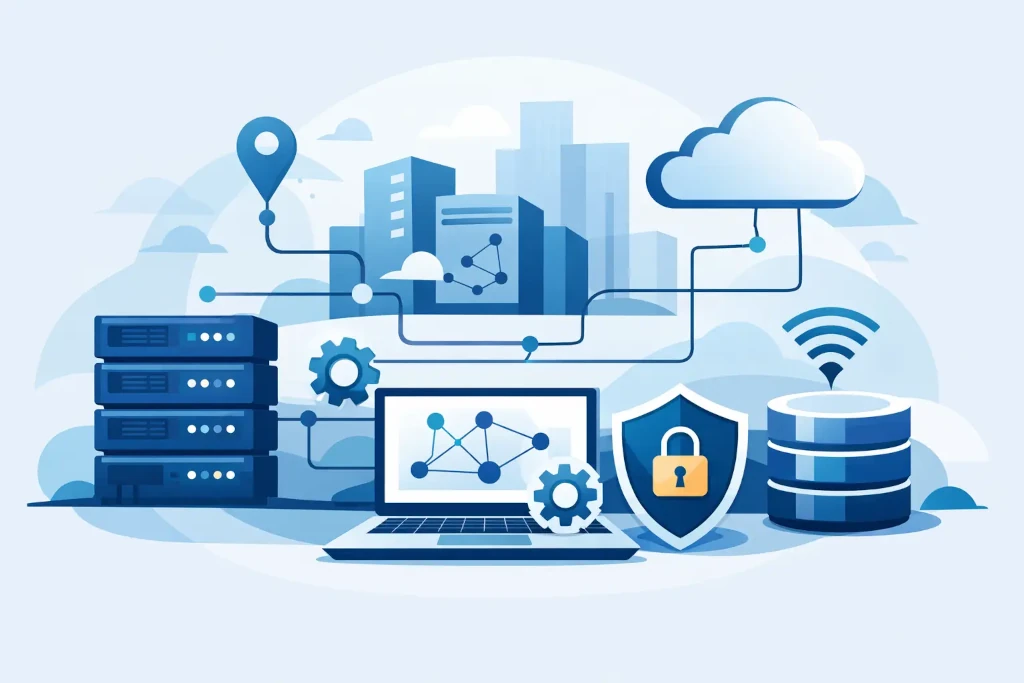
In practice, such a guide covers five layers. The first is the basic infrastructure - networks, internet connections, firewalls, workstations, servers, and wireless environments. The second is platforms and applications - Microsoft 365, ERP, accounting, file storage, collaboration tools, and specialized business systems.
The third layer is security and access management. This includes user rights, multi-factor authentication, endpoint protection, email security, and monitoring. The fourth layer is backups, disaster recovery, and business continuity. The fifth is management - documentation, accountability, vendor control, change processes, and budget visibility.
It is precisely the management layer that is often the weakest. Companies may have good equipment, but there are no clear answers to simple questions: what happens if access to email is lost, how quickly systems need to be restored, where passwords are stored, who approves significant changes, and who sees the overall risk picture.
Start not with technology, but with business requirements
The most common mistake is starting with product selection. At the management level, a more important question is - what the IT environment needs to provide for the company. For a manufacturing company, uninterrupted access to equipment data and warehouse systems may be critical. For a professional services company, secure document circulation and the ability to work from anywhere may be more important. In e-commerce, even a short downtime directly impacts revenues.
Therefore, business priorities should be defined first: acceptable downtime, acceptable data loss, regulatory requirements, number of employees, branch structure, and planned growth. Only after that does it make sense to decide how much infrastructure to keep on-site, what to move to the cloud, and where a hybrid approach is needed.
Not all companies need the same model. A fully cloud-based environment can reduce maintenance burdens but may not always be optimal for systems with specific performance, integration, or data localization needs. On the other hand, local infrastructure provides greater control in certain scenarios but requires more disciplined maintenance and backup planning.
Critical elements that must be organized
Network and connectivity
If the network is unstable, all other investments lose value. The company must know how the internal network is segmented, whether guest access is separated from core resources, whether the firewall is correctly configured, and whether there is a backup scenario for the internet connection. For a small office, this can mean a simple but thoughtful configuration. For a multi-location company - centralized policy and monitoring.
User devices and workstations
Workstations, laptops, and mobile devices are the most visible part of the infrastructure, but they are often managed unevenly. If some equipment is regularly updated while others remain unmanaged, the risk of both security and support costs increases. Standardization offers real benefits here - faster implementation, more predictable support, and fewer unexpected incidents.
Identity and access control
Access rights are one of the most important security issues. The company must be confident that access for former employees is revoked immediately, administrator rights are not shared unnecessarily, and critical systems are protected by multi-factor authentication. This is not just about IT discipline - it is direct risk management for the company.
Backups and disaster recovery
Backups are not the same as a business continuity plan. If data is copied but the recovery process is not tested, the company does not actually know how prepared it is for an incident. A good model defines what is copied, how often, where copies are stored, how quickly systems can be restored, and who makes decisions in a crisis.
There are not many compromises here, but there are choices. Some require only file and Microsoft 365 data protection. Others need full server restores, an alternative work environment, and clear disaster recovery procedures. Costs vary, but so do the business consequences.
Audit before modernization is cheaper than fixing mistakes afterward
Before any reconstruction, it is worth obtaining an objective view of the current situation. An IT audit is not a formal check. It helps understand which components are critical, what is outdated, where documentation is lacking, where there are security gaps, and what vendor or license risks may affect the company in the near future.
This is especially important in situations when a company is growing rapidly, preparing for certification, moving to a new office, or evaluating acquisitions and mergers. In such moments, disorganized infrastructure poses not only technical but also financial risks. If it is unclear how systems work together, every project becomes more expensive and slower.
A good audit does not just provide a list of problems. It must give priorities: what needs to be addressed immediately, what can be planned for the next quarter, and where investments are strategically justified rather than just technically attractive.
When to choose cloud, when a hybrid model
The cloud is not automatically a better solution, just as local infrastructure is not automatically safer. The right choice depends on the company's processes, risk tolerance, and available internal resources.
Cloud environments are often suitable for companies that value flexibility, remote work, quick onboarding of new users, and lower capital investments in equipment. The hybrid model, on the other hand, is suitable if some systems need to be maintained on-site due to performance, integration, or compliance reasons, while other services can be hosted in the cloud.
The most important thing is not the deployment model itself, but management. If there is no centralized access control, monitoring, backup policy, and distribution of responsibilities, problems simply move from the server room to the cloud platform.
Company's IT infrastructure guide for the management team
Executives do not need to know every technical configuration, but they should see the infrastructure as a manageable system. This means clear KPIs, understandable risk mapping, budget forecasting, and an answer to the question of whether the IT environment supports the company's plan for the next 12 to 36 months.
If such visibility is not present, IT begins to operate from incident to incident. Consequences are addressed rather than causes. As a result, downtime increases, unexpected expenses arise, and management does not have confidence that critical processes are protected.
That is why an external IT management partner is a pragmatic solution for many companies. Not every company needs a full-time IT director, infrastructure architect, and support team at the same time. However, almost every company needs a clear direction in technology, reliable daily maintenance, and the ability to respond to changes without chaos. In this model, KSK IT-type services are valuable not only due to support but because they combine operational execution with management-level transparency.
What an organized development plan looks like
A good infrastructure plan is usually not a grand transformation project. It is a sequential path with clear stages. First, visibility is organized - inventory, documentation, access, and risks. Then, basic stability follows - network, endpoints, backups, monitoring. After that, improvements in security and continuity. Only then does it make sense to build deeper automation, cloud optimization, or more complex integrations.
This approach is practical as it helps avoid two extremes. The first is excessive frugality, which postpones critical improvements until an incident occurs. The second is overly ambitious modernization that incurs large costs without a clear business result. In both cases, management control suffers.
Well-structured IT infrastructure is not just a cost item. It reduces downtime, speeds up employee work, simplifies growth, and allows for bolder business decisions because the technological foundation for that is ready.
If a company cannot quickly respond to what its critical IT risks are, how quickly it can restore operations after a disruption, and whether the existing environment can withstand the next phase of growth, then the guide is not a theoretical need. It is the next management task.
