
AUTHORIZATION
Blog

Access rights management guide for the company
An employee leaves the company on Friday, but their access to email, files, and the customer system remains active for several more weeks. This is not just an IT administration gap - it is an unmanaged business risk situation. A guide to access rights management for a company helps determine who has access to critical data and systems, why, and for how long.
In a small or medium-sized company, access often accumulates gradually: a new employee is given more rights so they can get started faster; a project manager is granted access to a shared folder; an external accountant is set up with an account in the financial system. Later, job duties change, projects end, people leave, but the initially granted rights remain. As a result, the company can no longer confidently answer which accounts are active and whether each access is still justified.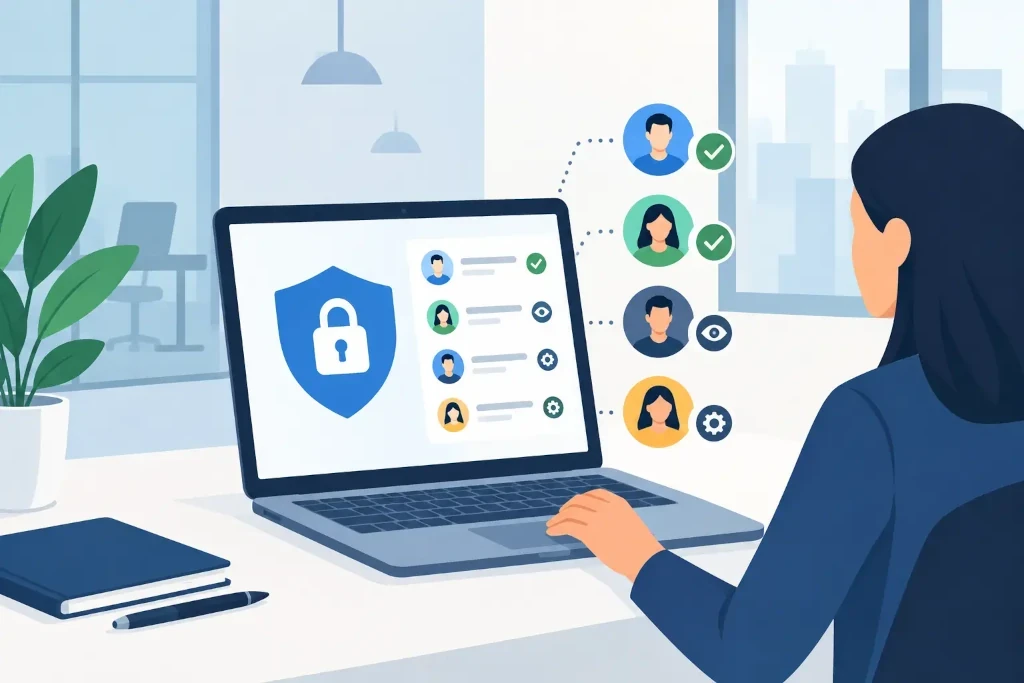
Why access rights are a management issue
Access management is not just passwords, Microsoft 365 users, or server accounts. It concerns the ability to maintain control over company information, financial processes, and day-to-day operations. Incorrectly granted rights can create data leaks, fraud risk, accidental deletion of information, or operational disruptions after a cybersecurity incident.
At management level, the question is simple: can the company prove that access to an important system was granted intentionally, matches a specific responsibility, and is reviewed? This control is also essential in cooperation with clients, insurers, auditors, and potential investors. An IT audit or due diligence process often reveals exactly these shortcomings - no account inventory, no approval procedure, or unclear ownership of administrative rights.
In addition, access rights directly affect business continuity. If one person is the sole holder of the administrator account, the sole user of the accounting system, or the only one with access to backups, the company becomes vulnerable during absence, termination of employment, or an incident.
A guide to access rights management: basic principles
An effective process starts with principles, not with purchasing software. The main principle is least privilege: an employee is granted only the access needed to perform their specific job. If a sales specialist needs access to the customer system, they do not always need the ability to export the entire customer database or change system settings.
The second principle is segregation of duties. The person who prepares a payment should not independently approve and execute it. Likewise, the system administrator should not be the only person reviewing their own administrative actions. In small companies, complete segregation of functions is not always possible, but for the riskiest processes there should be at least second-person control or regular management review.
The third principle is accountability. Every account should be linked to a specific person or a clearly defined technical function. Shared accounts may seem convenient, for example in shift work or customer service, but they make incident investigations and access revocation more difficult. If a shared account is unavoidable, its use should be restricted, logged, and supplemented with additional authentication control.
Start with an access map, not assumptions
To organize the environment, first create a clear access map. It does not need to describe every small tool, but it should cover the systems whose loss, misuse, or unavailability would have a significant impact on the company. These usually include email and document platforms, finance and accounting systems, customer relationship management, file storage, remote access solutions, cloud platforms, backups, and network administration.
For each system, identify the system owner, user groups, administrators, external providers, and the approver for access changes. The system owner is not necessarily an IT specialist. For example, a finance manager can be the business owner of the accounting system, defining which roles are needed, while IT provides technical implementation and log oversight.
Special attention should be paid to privileged accounts. These are administrative accounts, cloud platform owners, domain administrators, firewall managers, and accounts with access to backups. The number of such rights should be as small as possible, and it is not recommended to use the same account for daily work and for making administrative changes. Separate daily and administrator accounts reduce the damage that can be caused by a phishing attack or stolen passwords.
Create a clear lifecycle for every access
Access control works when it is built into the lifecycle of a person's employment: before work starts, during work, and at the end of employment. A new employee's rights should be tied to the position and an approved request, not to a verbal request to "give the same as the previous colleague." This reduces the risk of automatically repeating historically overly broad access.
When changing positions or departments, access should change along with responsibilities. In practice, companies more often add new rights than revoke old ones. Therefore, a transition to another role is one of the most important review points. This especially applies to employees who move from an operational role into management, finance, or IT administration.
Termination of employment requires a precise and fast process. Depending on the situation, the account should be blocked immediately or at a specified time on the last working day. Access must be revoked not only to email, but also to SaaS applications, VPN, mobile devices, password vaults, partner portals, and physical access systems. Do not forget forwarding rules, shared mailboxes, document ownership, and the transfer of company data to the manager.
External specialists and vendors should use time-limited accounts. Access is granted for a specific job and for a predefined period, after which it automatically ends or is reviewed. This is especially important when the company uses outsourced developers, accountants, or infrastructure providers.
Regular review creates control
Even a good initial process becomes outdated. Therefore, access rights must be reviewed regularly - for critical systems often quarterly, and for others at least once a year. The purpose of the review is not to formally approve a list. The system owner must be able to confirm that access is still truly necessary for each user.
The review should specifically look for inactive accounts, former employees, users with multiple roles, administrative accounts without a clear owner, and accounts that have not used the system for a long time. Service accounts should also be assessed - technical accounts used for integrations, automation, or backup processes. They often remain outside day-to-day oversight, even though they may have extensive privileges.
Technology makes this work easier, but does not replace the responsible decision. Centralized identity management, multi-factor authentication, access logs, and automated account deactivation reduce the chance of human error. However, the company must first decide who makes the decisions and how they are documented.
How to balance security with operational efficiency
A process that is too complex can encourage employees to look for workarounds: sharing passwords, forwarding files to private email, or using unapproved applications. Therefore, the goal is not to create as many restrictions as possible. The goal is to build proportionate controls that match the value of the data and the company's operational risk.
For example, access to a public archive of marketing materials does not require the same approval level as access to payroll data or a payment platform. In contrast, administrative access to critical infrastructure may justify additional authentication, time restrictions, and detailed activity logging. The right solution always depends on the company's size, regulation, system complexity, and acceptable risk.
In KSK IT practice, access management is assessed together with backups, incident response, infrastructure monitoring, and business continuity. These areas cannot be safely managed separately: an account with overly broad rights can threaten both the production system and its backups.
Start with one practical action this week: identify the five most critical systems for your company and name their owners. If there is no clear answer to this question, that is exactly where the first control line needs to be built.
